
When a client looks at your profile, three things tell them whether to trust you: your talent badge, your job success and your reviews. Here is exactly how each one works on Bitlance, so you know what to aim for.
The three talent badges
Badges are earned from real paid work and real ratings. You can't buy them or ask for them.
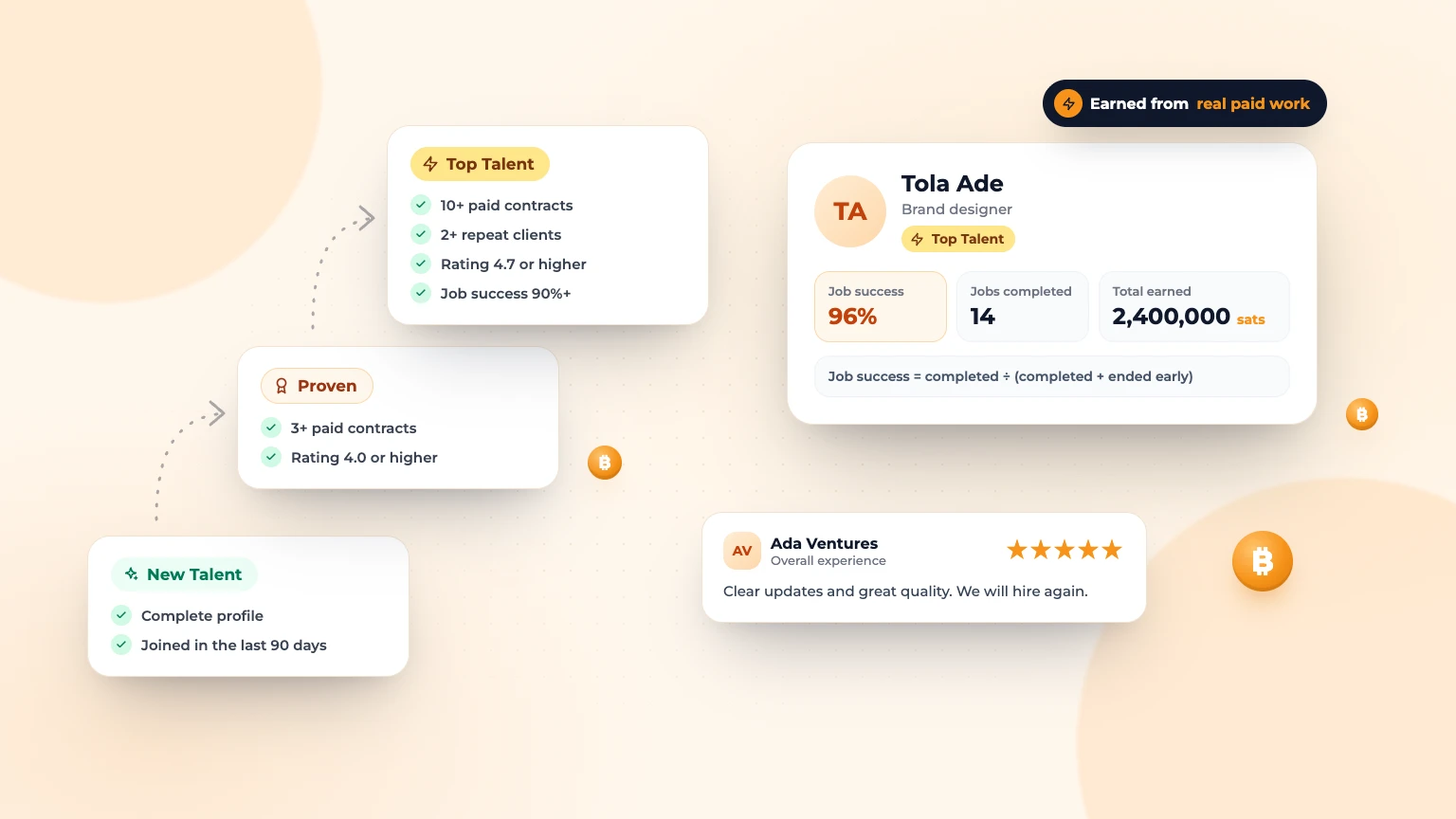
- New Talent: for freelancers who joined in the last 90 days, have a complete profile and haven't been paid for a contract yet. A complete profile means a profile photo, title, bio, skills, hourly rate and at least one portfolio item.
- Proven: 3 or more paid contracts on Bitlance and an average client rating of 4.0 or higher.
- Top Talent: 10 or more paid contracts, at least 2 repeat clients in the last 12 months, a rating of 4.7 or higher and job success of 90% or more.
A "paid contract" is one that finished with sats paid out to you through Bitlance.
How badges are updated
Bitlance checks badges every night. They also update straight away after a client rates you, after a final payment, and when you open your Settings.
If a Top Talent freelancer slips below the rules, they keep the badge for 7 days to recover. Disputes work differently. Proven and Top Talent are paused if you have 5 or more open or recent minor disputes from clients, or for 12 months after a serious one. Disputes the Bitlance team marks as "No fault" don't count.
See your progress
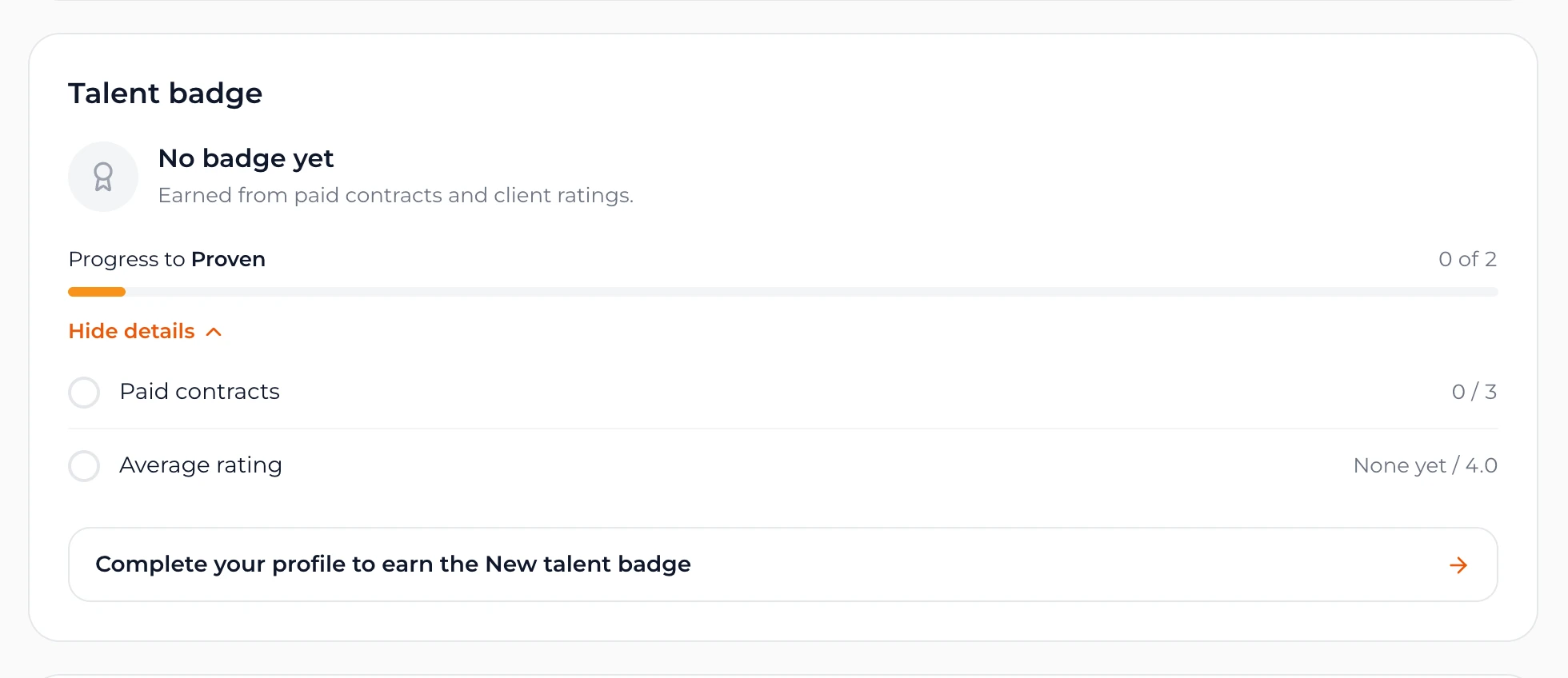
Open Settings and find the Talent badge card. It shows your current badge and your progress to the next one: paid contracts, average rating, repeat clients and job success. Tap See what's left to see each item and whether it's met.
Where clients see your badge
Your badge shows at the top of your public profile and on your card in Find Freelancers. Clients can filter by badge: Top talent, Proven and up or New talent. Freelancers with badges are listed first under "Best match".
How job success is worked out
Job success is the share of your finished contracts that were completed rather than ended early:
Job success = completed ÷ (completed + ended early)
Contracts still in progress don't count either way. Until your first contract ends, your profile shows New instead of a percentage, so a new freelancer never shows 0%. Your profile also shows Jobs completed and Total earned in sats.
How reviews work, both ways
When a contract is complete, a Review tile appears in your Messages conversation.
- Clients tap Rate freelancer, give 1 to 5 stars for overall experience and can add a written review of up to 1,000 characters. It appears on the freelancer's profile, linked to that contract.
- Freelancers tap Rate client, in the chat or on the Contracts page. It appears in the client's hiring history on their public profile.
The written part is optional, but a line or two about communication and quality helps the next person a lot. You can edit your review later by opening it again.
How to build trust faster
- Finish your profile first. It's the only thing New Talent needs. Filling it from your CV takes a minute.
- Start with small, clear jobs you can finish well, so your first contracts end as completed.
- After good work is approved, politely ask the client to leave a review.
- Keep everything inside Bitlance Messages, so any problem can be sorted out fairly.
New here? Read how to get your first client with no reviews.
Frequently asked questions
How do I get the New Talent badge on Bitlance?
Complete your profile within your first 90 days: a profile photo, title, bio, skills, hourly rate and at least one portfolio item. It's for freelancers who haven't been paid for a contract yet.
What does job success mean on Bitlance?
It's the share of your finished contracts that were completed instead of ended early. Contracts in progress don't count. Until your first contract ends, it shows New.
Can freelancers review clients?
Yes. After a contract is complete, freelancers can rate the client from Messages or the Contracts page. The review appears on the client's public profile.

Written by
Bitlance team
Research and insights on Lightning Network payments, remote Bitcoin work, and freelancing.
Related articles
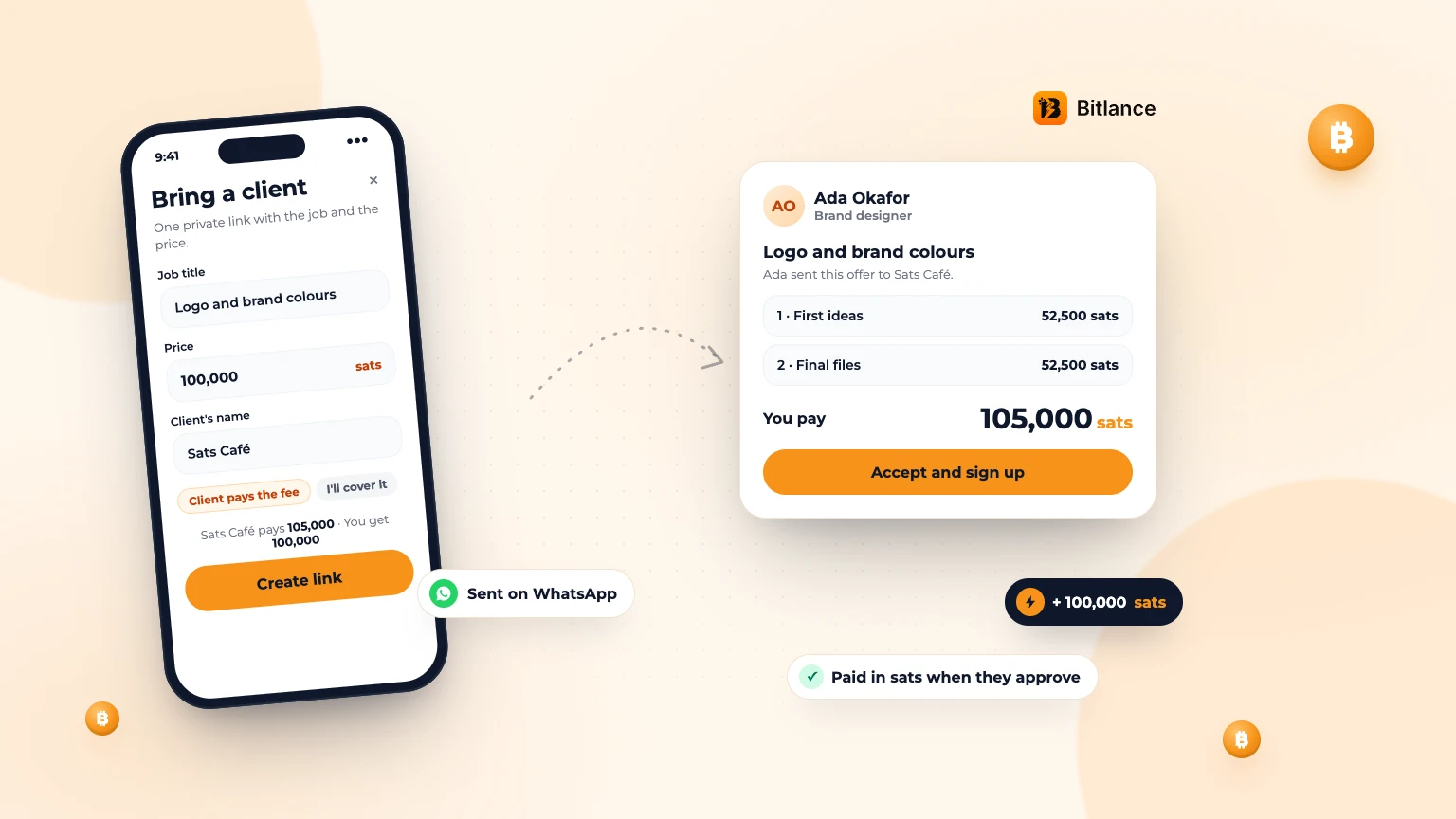
How to bring your own client to Bitlance and get paid in sats
One private link with the job and your price. Your client pays in first, and you're paid in sats when they approve....
Nov 133 min read
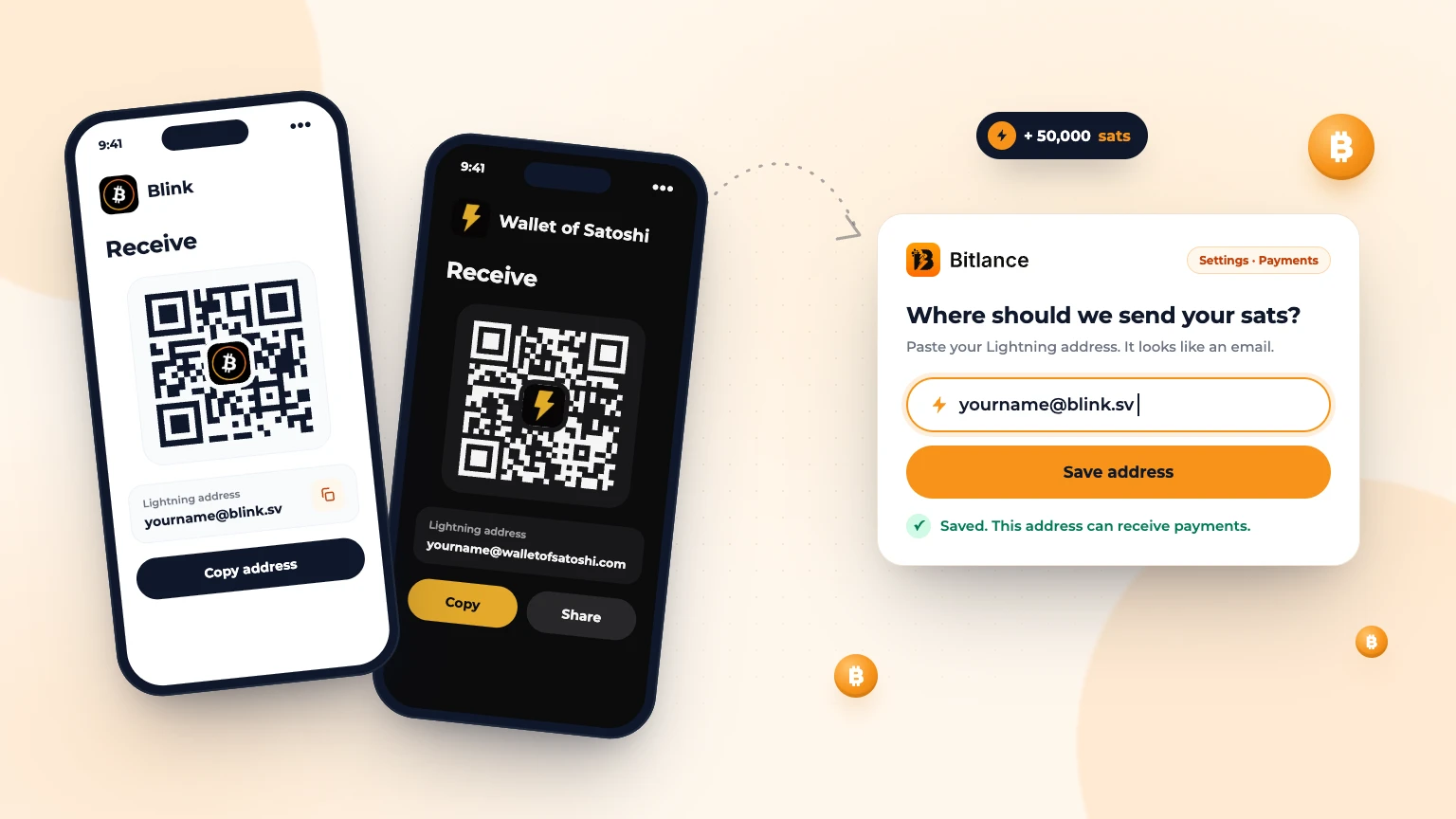
How to get a Lightning address and add it to Bitlance
Step by step with Blink and Wallet of Satoshi, for clients and freelancers: pick a wallet, get your address and add it to Bitlance....
Nov 139 min read
Get Matched: Let Bitlance Pick Checked Freelancers for You
Short on time? Tell us what you need and we'll email you 2 to 3 checked freelancers, usually within 2 working days. It's free to ask....
Nov 83 min read