
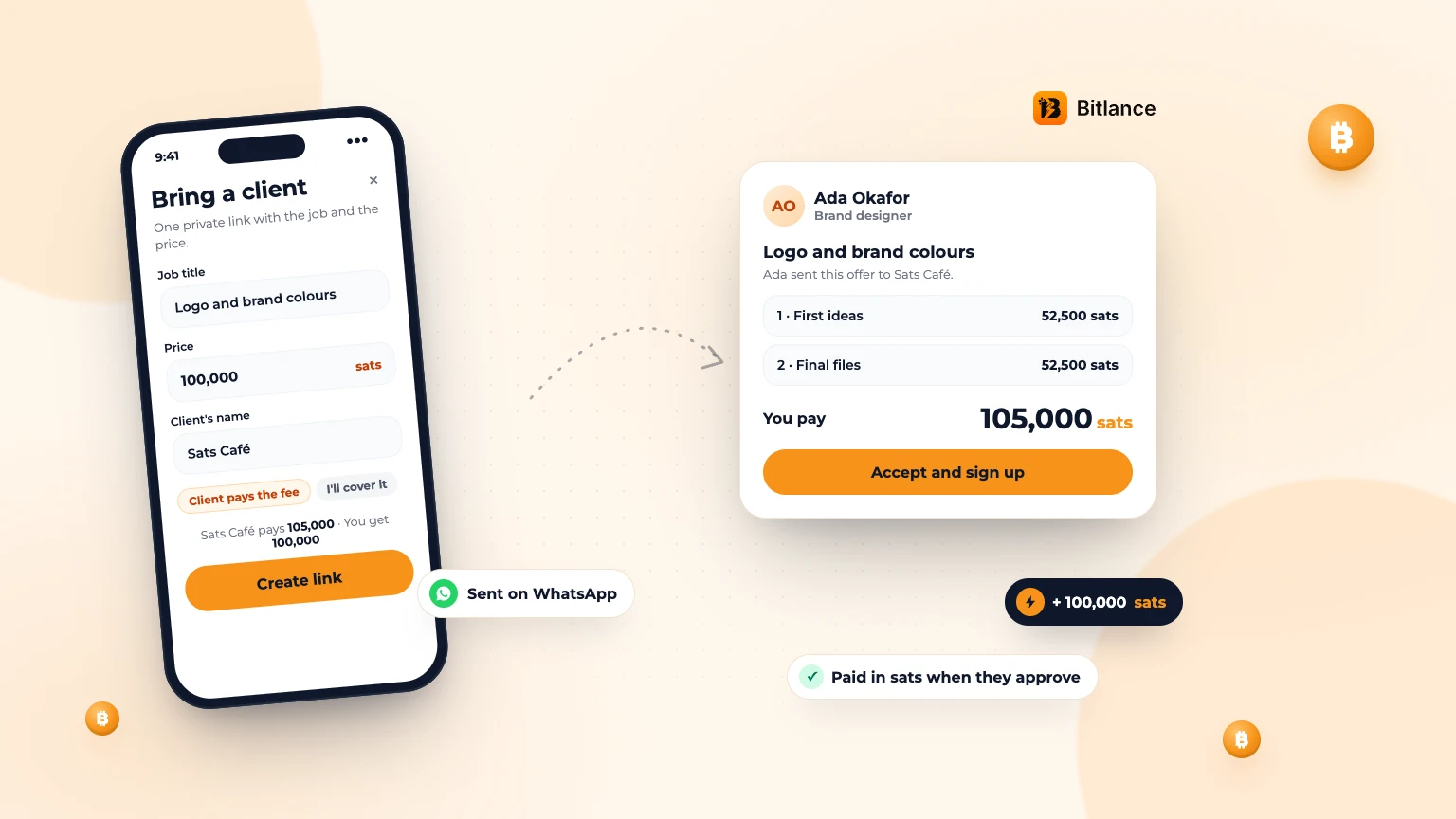
Quick answer: in the Bitlance app, tap Invite, add the job, your price in sats and your client's name, then send the link on WhatsApp. Your client signs up free, accepts and pays into Bitlance. You start once it's paid and get your sats when they approve the work.
Who it's for
Freelancers who already have clients from WhatsApp, Instagram or a friend's referral, and want to be paid in sats with the money held until they deliver. Your client doesn't need to know much about bitcoin: they only need a Lightning wallet to pay.
How to bring a client, step by step
- Open the app and tap Invite in the middle of the bottom bar. On a computer, choose Invite a client in the sidebar.
- Add the job title, your price in sats, what's included and your client's name.
- Choose Paid in 1, 2 or 3 payments. With 2 or 3, give each payment a short name, like "First ideas" and "Final files".
- Choose who pays the 5% Bitlance fee (see below). The line above the button shows what your client pays and what you get.
- Tap Create link, then Share on WhatsApp or Copy link.
The link works for 14 days, or until your client accepts it. You can see it under Client invites on your Contracts page, with Share again, Change and Cancel.
What your client sees
Your client opens the link and sees your name and profile, what's included, the payments and the total. They tap Accept and sign up, create a free account in about 30 seconds, and land in a chat with you, ready to pay. They can also ask for changes or decline.
Who pays the 5% Bitlance fee
You choose when you make the link. For a 100,000 sats job:
- Client pays the fee (the default): your client pays 105,000 sats and you get 100,000.
- I'll cover the fee: your client pays 100,000 sats and you get 95,000.
Covering the fee can make it easier for a client who is new to bitcoin to say yes.
How you get paid
Nothing starts until your client pays into Bitlance. Bitlance holds the sats while you work. When your client approves each payment with Slide to pay, the sats go to your Lightning address. Don't have one yet? Read how to get a Lightning address. For the full picture, see how milestone payments work.
Private now, on your profile later
The job is private: other freelancers never see it in Find work. Once every payment is done, it shows in your work history as a completed job, marked "Client invited by" you, and your client can leave a review. That builds your profile for the next client.
Ready to send your first offer?
See the details on the Bring a client page, or create a free freelancer account and make your link.
Frequently asked questions
Does my client need a Bitlance account?
Yes, but it's free and takes about 30 seconds. They sign up from your link and land in the chat ready to pay.
Does my client need bitcoin?
They need sats in a Lightning wallet to pay. If they're new to it, send them the guide on how to get a Lightning address.
What does it cost?
Freelancers pay no Bitlance fee by default: your client pays 5% on top. You can choose to cover the fee instead, and then it comes out of your pay.
Can other freelancers see the job?
No. It's private while you work. After it's finished, it shows in your work history.
What if my client never pays?
Nothing starts until they pay into Bitlance. You can cancel the offer from your Contracts page at any time before they accept.

Written by
Destiny Smart
Research and insights on Lightning Network payments, remote Bitcoin work, and freelancing.
Related articles
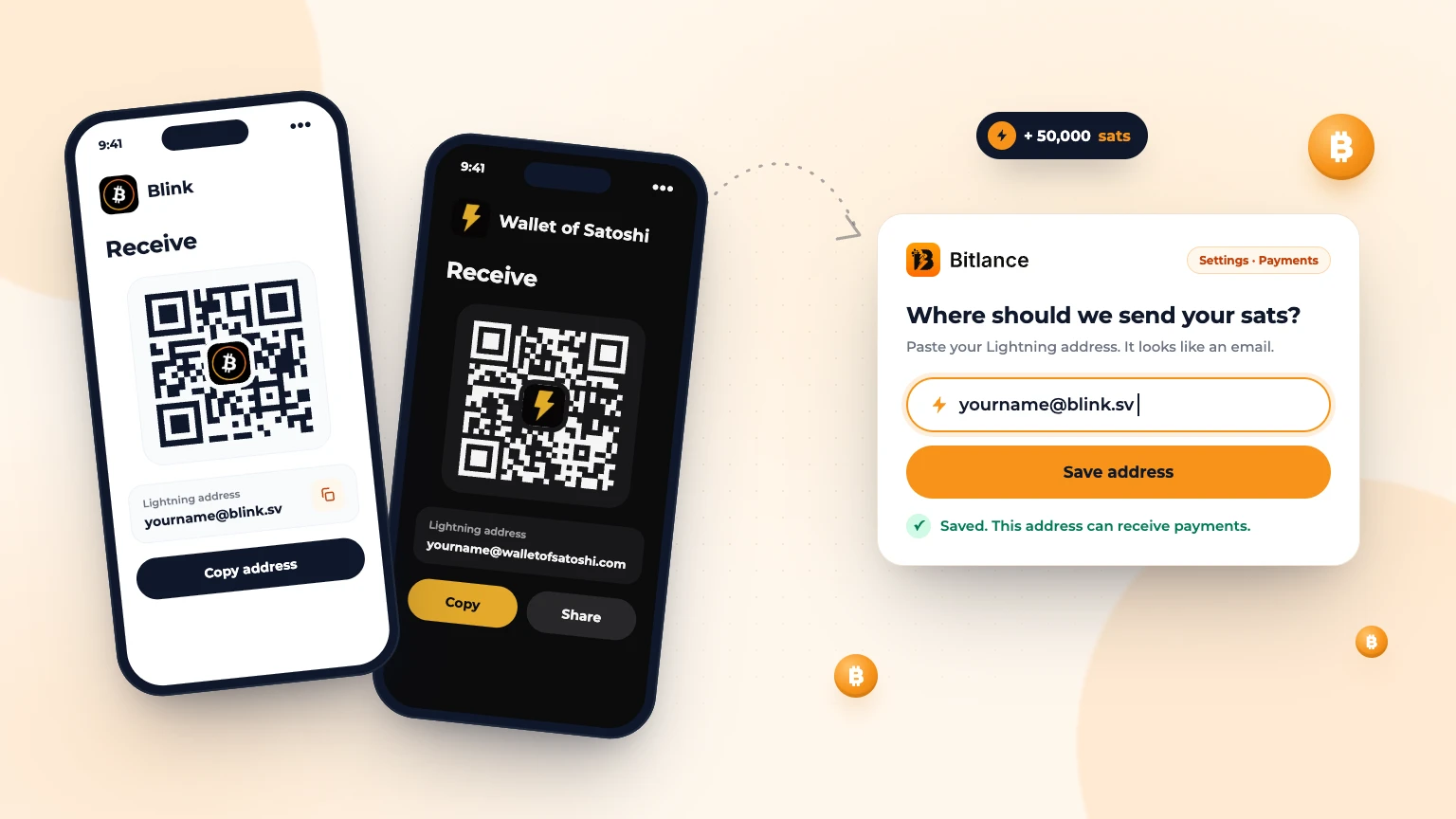
How to get a Lightning address and add it to Bitlance
Step by step with Blink and Wallet of Satoshi, for clients and freelancers: pick a wallet, get your address and add it to Bitlance....
Nov 139 min read
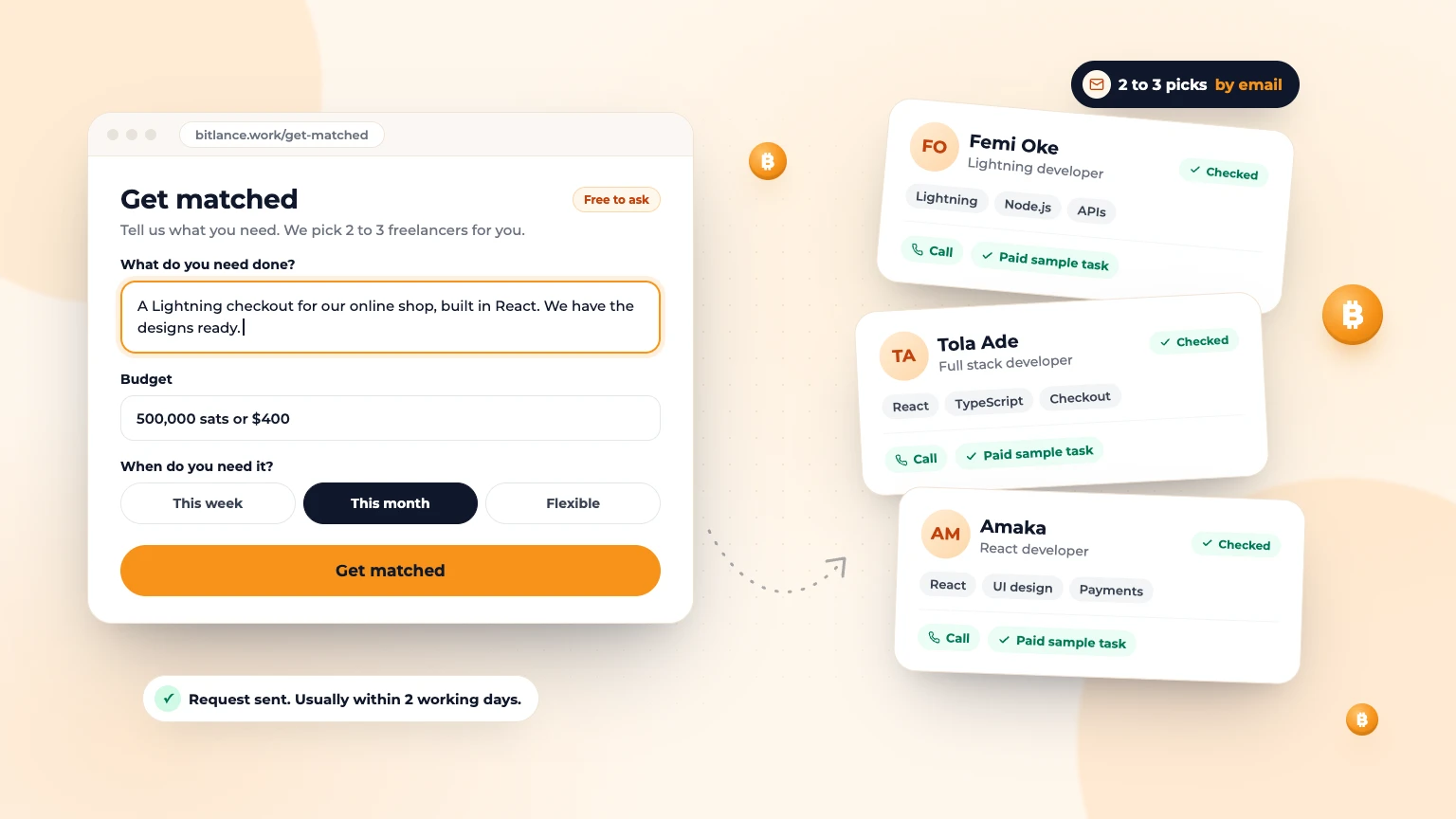
Get Matched: Let Bitlance Pick Checked Freelancers for You
Short on time? Tell us what you need and we'll email you 2 to 3 checked freelancers, usually within 2 working days. It's free to ask....
Nov 83 min read
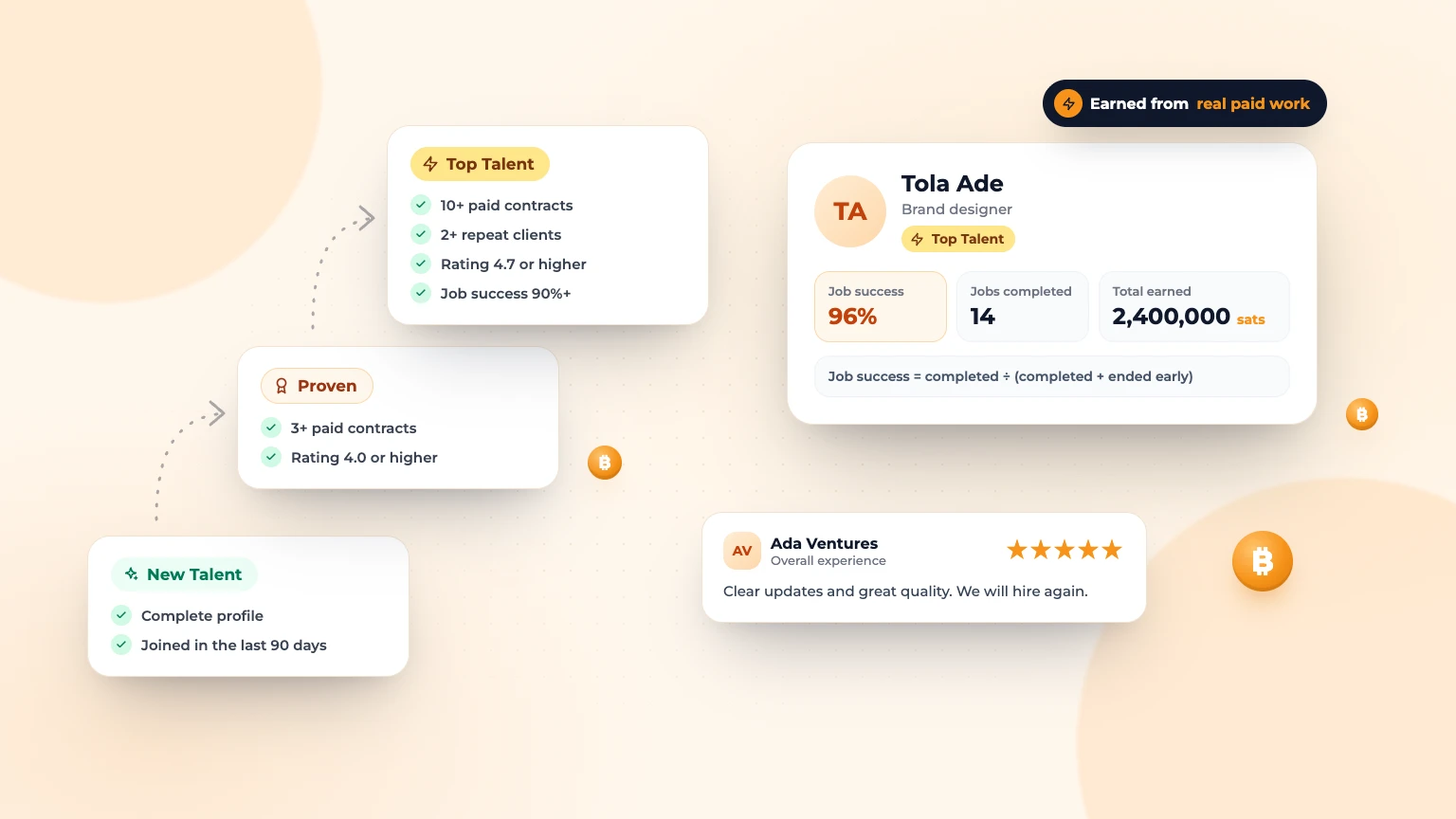
Badges, Job Success and Reviews: How Trust Works on Bitlance
What New Talent, Proven and Top Talent mean, how job success is worked out, and how clients and freelancers review each other....
Nov 83 min read