
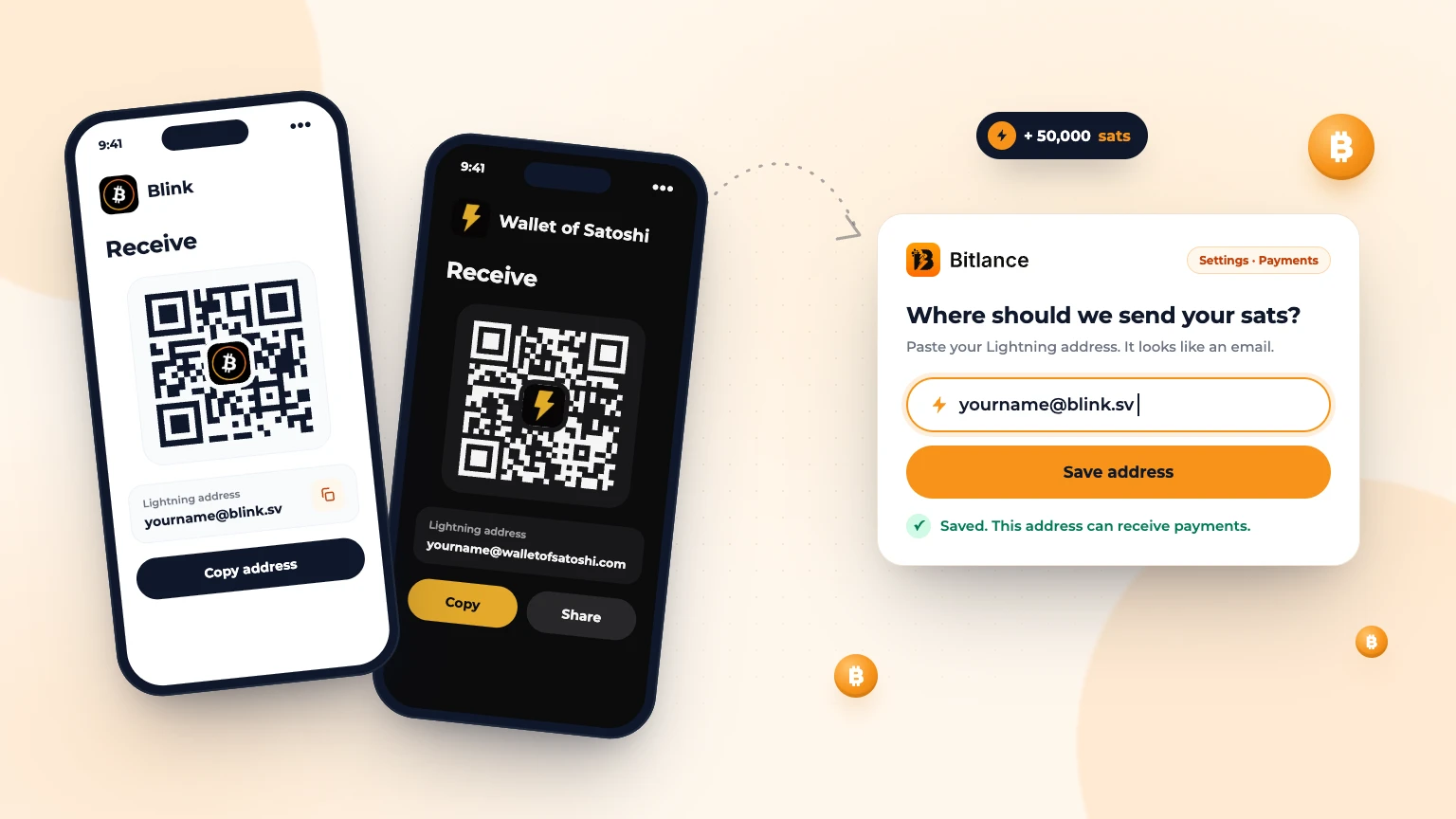
Quick answer: install a Lightning wallet such as Blink or Wallet of Satoshi, create your wallet, then open its Receive screen. Your Lightning address is shown there. It looks like an email, for example yourname@blink.sv. Copy it and paste it into Bitlance under Settings, then Payments.
This guide walks you through each step, for clients and freelancers. It also covers which kind of wallet to pick, how to get sats, and what to do when something goes wrong.
What is a Lightning address?
A Lightning wallet is an app on your phone that sends and receives bitcoin over the Lightning network. Payments usually arrive in a few seconds and cost very little. Most wallets count in sats. One bitcoin is 100 million sats.
A Lightning address looks like an email address, for example name@blink.sv. Anyone who has it can send you sats, and you can share it as often as you like.
People can send money to it. Nobody can take money out of it.
Freelancers add one so Bitlance can pay you when a client approves a milestone.
Clients pay payment codes from their own wallet, and also add a Lightning address as a refund address. Bitlance uses it if a contract ends early or a milestone is lowered.
Custodial or self-custodial wallet: which to choose
Wallets come in two kinds, and the difference decides who can lose your money.
Custodial. The company holds the bitcoin for you. It is easier to start, and if you lose your phone you can usually log back in. You are trusting the company to look after it. On 19 September 2026, an attacker drained 24 custodial Blink accounts of about 6.61 bitcoin. Blink's shareholders paid to restore every balance, so no customer lost anything (Blink's report). A company that could not afford to cover it would have left those users with nothing.
Self-custodial. You hold the keys. The app gives you backup words, usually 12. If you lose your phone, those words are the only way back to your money. Nobody at the wallet company can recover them for you.
If your wallet gives you backup words, write them on paper, in order, and keep the paper somewhere private. Do not screenshot them. Do not store them in chat or email. Never give them to anyone, including someone who says they work for the wallet.
Choosing a Lightning wallet
One rule: any wallet that gives you a Lightning address works with Bitlance. We check the address can receive before saving it. Then do the small test below.
These do not work, and people try all three:
- An API key from your wallet
- A Nostr Wallet Connect code
- A Bitcoin address starting with bc1, which is on-chain, not Lightning
To check, open your wallet's Receive screen and look for something shaped like an email address. Some wallets call it a payment address, and some ask you to pick a username first.
Check the app is genuine before you install it
Fake wallet apps copy real names and logos. Check the developer name in the app store before installing. On the Apple App Store, Blink is listed by Blink El Salvador Sociedad Anonima de Capital Variable, and Wallet of Satoshi by Wallet of Satoshi Pty Ltd.
If you are not sure, use the app store link on the wallet's own website.
How to get a Lightning address in Blink
Blink is at blink.sv, with apps for Android and iPhone. Blink says it charges no service fee for Lightning payments, though a small network fee can apply when you send.
- Go to blink.sv and follow the link to your app store. Check the developer name, then install.
- Open the app and create an account. Blink may ask for your phone number and send a code by SMS.
- If Blink asks whether you want a custodial or non-custodial account, pick one. Which you can open depends on your country.
- If you chose non-custodial, finish the backup step. Blink offers a Google Drive or iCloud backup, or a manual one where you write 12 words on paper. Blink cannot recover your funds without it (Blink's guide).
- Open Settings and tap Your Blink address. Choose a username with no spaces or special characters, then tap Set your Blink address.
- Your address is now yourname@blink.sv. Copy it. You can find it again under Settings, then Your Blink address.
Two things that changed recently
Blink now requires two-factor authentication (2FA) on custodial accounts above a set balance, or a move to a non-custodial account (Blink's release notes). If you turn it on, save the setup key somewhere other than the phone running Blink. Blink is also closing custodial accounts in some countries, and its guided migration keeps your username@blink.sv address, so the address you gave Bitlance keeps working (Blink's notice).
How to get a Lightning address in Wallet of Satoshi
Wallet of Satoshi is at walletofsatoshi.com, with a phone app. It is self-custodial and describes itself that way: "Self Custody By Design," with "a 12-word recovery phrase that only you know."
- Go to walletofsatoshi.com and follow the link to your app store. Check that the seller is Wallet of Satoshi Pty Ltd, then install.
- Open the app and create a wallet.
- Write down the 12 recovery words on paper, in order. This is the only way back to your money if you lose the phone.
- Open the Receive screen. Your Lightning address is shown there with the QR code. Copy it.
Your first address is made of random words, followed by @walletofsatoshi.com. It works straight away.
You can pick a custom name later, after you have backed up the wallet and used it for a while (Wallet of Satoshi support). Buying sats in the app goes through outside providers, and what works depends on your country (Wallet of Satoshi support).
Blink and Wallet of Satoshi compared
| Blink | Wallet of Satoshi | |
|---|---|---|
| Who holds the bitcoin | Custodial or self-custodial, depending on your country | Self-custodial |
| Your address | yourname@blink.sv | Random words@walletofsatoshi.com, custom name later |
| Where to find it | Settings, then Your Blink address | The Receive screen |
| Backup | Phone login (custodial) or 12 words (self-custodial) | 12 recovery words |
Using a different Lightning wallet
You are not limited to those two. Whatever wallet you use, do this before relying on it:
- Find the address on the Receive screen, such as name@somewallet.com.
- Copy it and paste it into Bitlance. If it saves, Bitlance could reach it.
- Ask someone to send you a small amount, or send yourself a little from another wallet. Confirm it arrives before a real payment depends on it.
That test matters more than any list, because wallets change between versions.
We do not take a cut from any wallet and we do not recommend one over another. Choose on custody, and on whether the wallet works in your country.
How to add your Lightning address to Bitlance
On a phone, tap the menu at the top left to open Settings. On a computer, Settings is in the left sidebar.
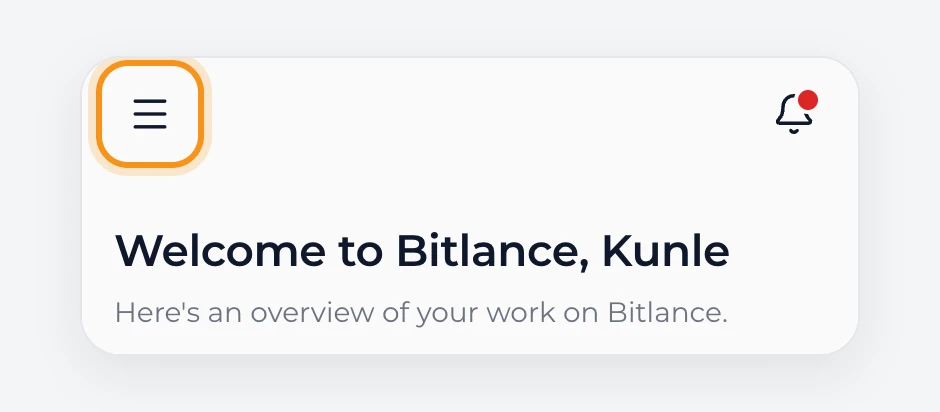
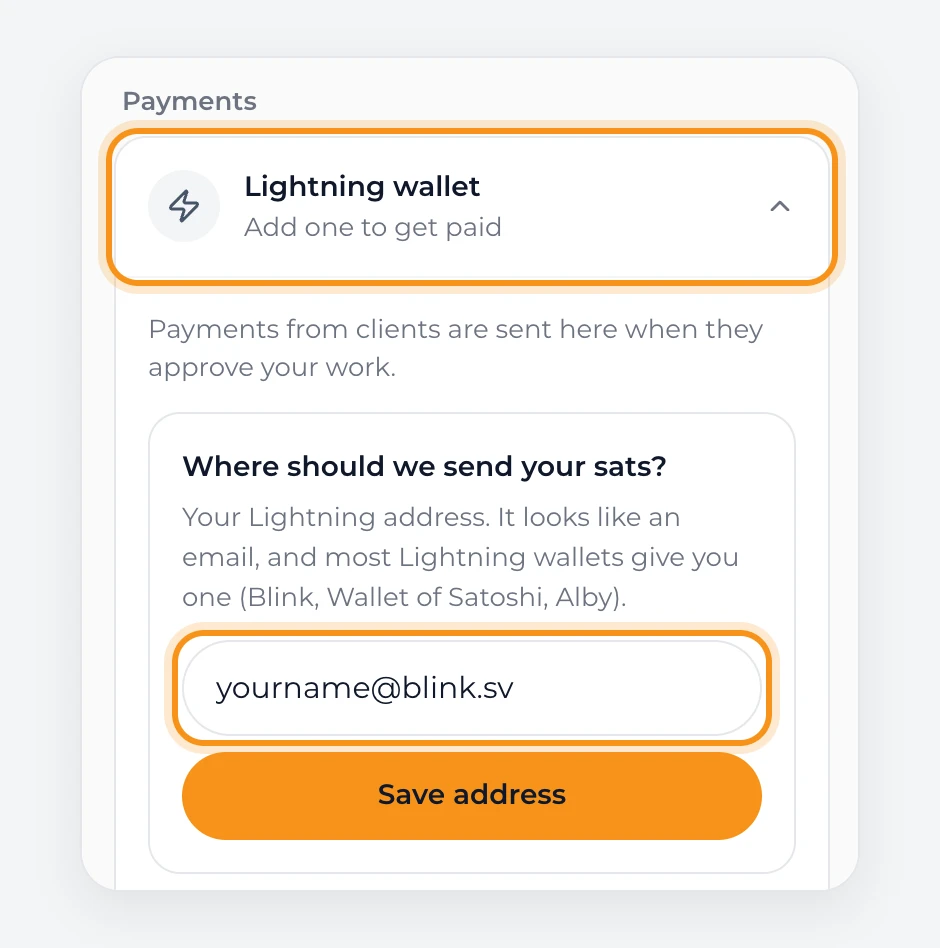
Freelancers. Open Settings, then under Payments tap Lightning wallet. Paste your address and tap Save address. Bitlance checks it, and when it works you see "Saved. This address can receive payments." You can also add it from the money card on your home screen.
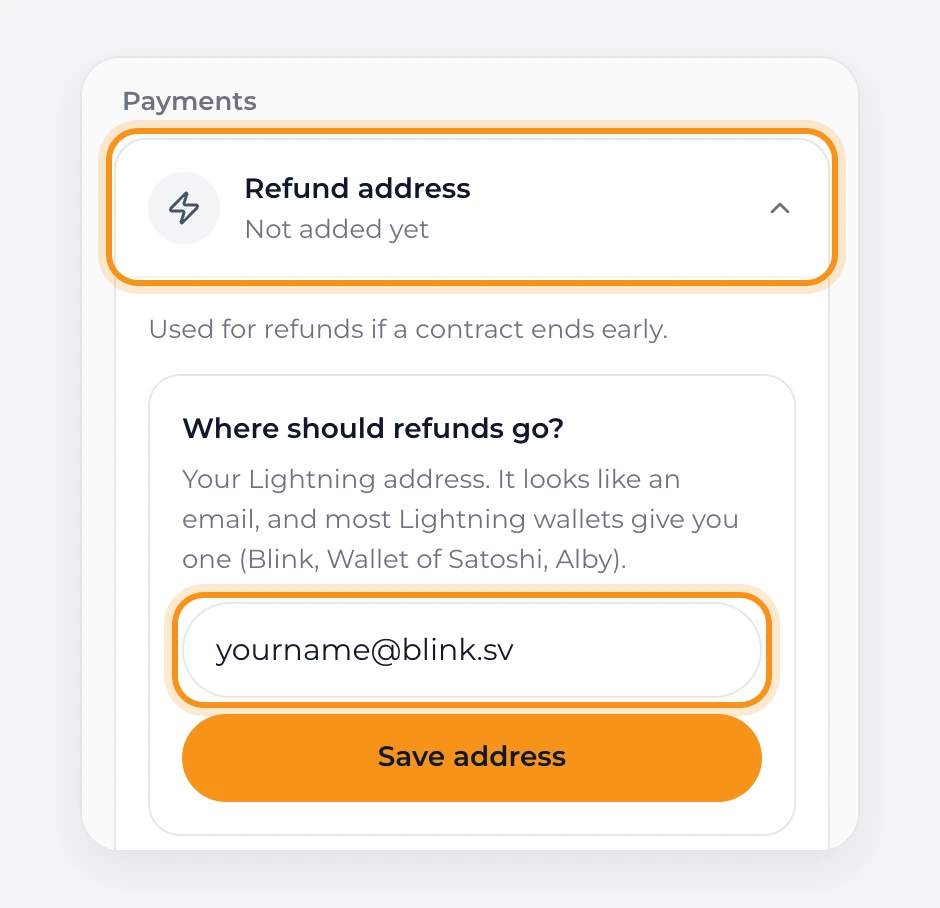
Clients. Open Settings, then under Payments tap Refund address. Paste your address and tap Save address.
Paste rather than type. Most rejected addresses are typing mistakes.
Getting sats to pay with
Clients need sats in the wallet before paying. Blink's help pages point you to outside services to get bitcoin, so most people get sats one of three ways.
An exchange that serves your country. Most ask you to verify your identity. Buy sats, then send them to your Lightning address.
A peer-to-peer platform, where you buy from another person. Bitlance does not recommend any particular one.
Someone you know who already has sats can send them to your Lightning address.
Before you start:
- Start small, and make a small test payment before a large one.
- Use well-known services that people in your country trust.
- Bitcoin payments cannot be reversed. Never send money to strangers who message you offering better rates or quick profits. Read how to avoid freelance scams.
- The price moves. What your sats are worth in your local currency can change before you spend them.
How to pay a milestone with your Lightning wallet
- Open Messages, go to the chat with your freelancer, and open the Milestone payment panel.
- Choose 1, 2 or 3 milestones. If you choose more than one, pick Pay for all milestones now or Pay per milestone.
- Pay one of three ways: tap Open wallet app, scan the QR code with your wallet, or tap Copy payment code and paste it into your wallet's Send screen.
- Wait a few seconds. The screen updates by itself once the payment arrives.
Payment codes expire, so if yours has run out, tap Get a new payment code.
Clients pay a 5% fee on top of the milestone amount. Freelancers pay no Bitlance fee. More on this in how milestone payments work.
Where your sats sit until the work is approved
When you pay a milestone, the sats go to Bitlance, not to the freelancer. Bitlance holds the sats for that milestone until you approve the work with Slide to pay. Only then do they go to the freelancer's Lightning wallet.
While a milestone waits for approval, the sats are with Bitlance, not with you and not with the freelancer.
If a contract ends early or a milestone is lowered, the money goes back to the refund address you saved in Settings. That is why clients are asked for one.
Common problems
My wallet says I do not have enough balance. Your wallet needs the full amount on the payment code plus a small Lightning network fee. Add a few more sats and try again.
Bitlance rejected my address. Check the spelling letter by letter. Make sure it is a Lightning address like name@blink.sv, not an API key, a Nostr Wallet Connect code, or a Bitcoin address starting with bc1. Open your wallet and check the username or address is actually set up.
I paid, but Bitlance does not show it. Wait a few seconds and check your wallet's history. Do not pay a second time. If it still has not appeared after a few minutes, email admin@bitlance.work with the job name and the time you paid.
I changed wallets. Update the address in Settings. Payouts go to the address that was saved when the client funded that milestone. Change it before the next milestone is funded.
I lost my phone. If your wallet was custodial, log back in on the new phone. If it was self-custodial, restore from your backup words. Either way, check your address in Bitlance still matches.
Ready to use your Lightning address?
Freelancers: create a free account and add your address so clients can pay you. Clients: post a job and pay milestones from your own wallet.
Frequently asked questions
What is a Lightning address?
It looks like an email address, for example name@blink.sv. People use it to send you sats over Lightning. Nobody can take money out of your wallet with it.
Which wallets work with Bitlance?
Any wallet that gives you a working Lightning address. Bitlance does not accept API keys or Nostr Wallet Connect codes.
Does Bitlance hold my money?
Yes, between the moment a client pays a milestone and the moment they approve the work. After approval the sats go straight to the freelancer's wallet.
What does it cost?
Clients pay 5% on top of the milestone amount. Freelancers pay no Bitlance fee. Your wallet may charge a small Lightning network fee when you send.
Do I need to buy bitcoin to be a freelancer here?
No. Freelancers only receive. You need a wallet with an address. It can be empty.
Is a Lightning address the same as a Bitcoin address?
No. A Lightning address looks like an email, such as name@blink.sv, and receives over Lightning. A Bitcoin address starting with bc1 is for on-chain payments. Bitlance only accepts Lightning addresses.
Can I share my Lightning address publicly?
Yes. It can only receive payments. Nobody can take money out of your wallet with it. Your backup words are what you never share.
Where do I find my Lightning address in Wallet of Satoshi?
Open the Receive screen. Your address is shown with the QR code. The first one is made of random words, and you can pick a custom name after using the wallet for a while.
Can I change my Lightning address later?
Some wallets let you, such as Wallet of Satoshi after you have used it for a while. If you change it, update it in Bitlance under Settings, then Payments, before the next milestone is funded.

Written by
Destiny Smart
Research and insights on Lightning Network payments, remote Bitcoin work, and freelancing.
Related articles
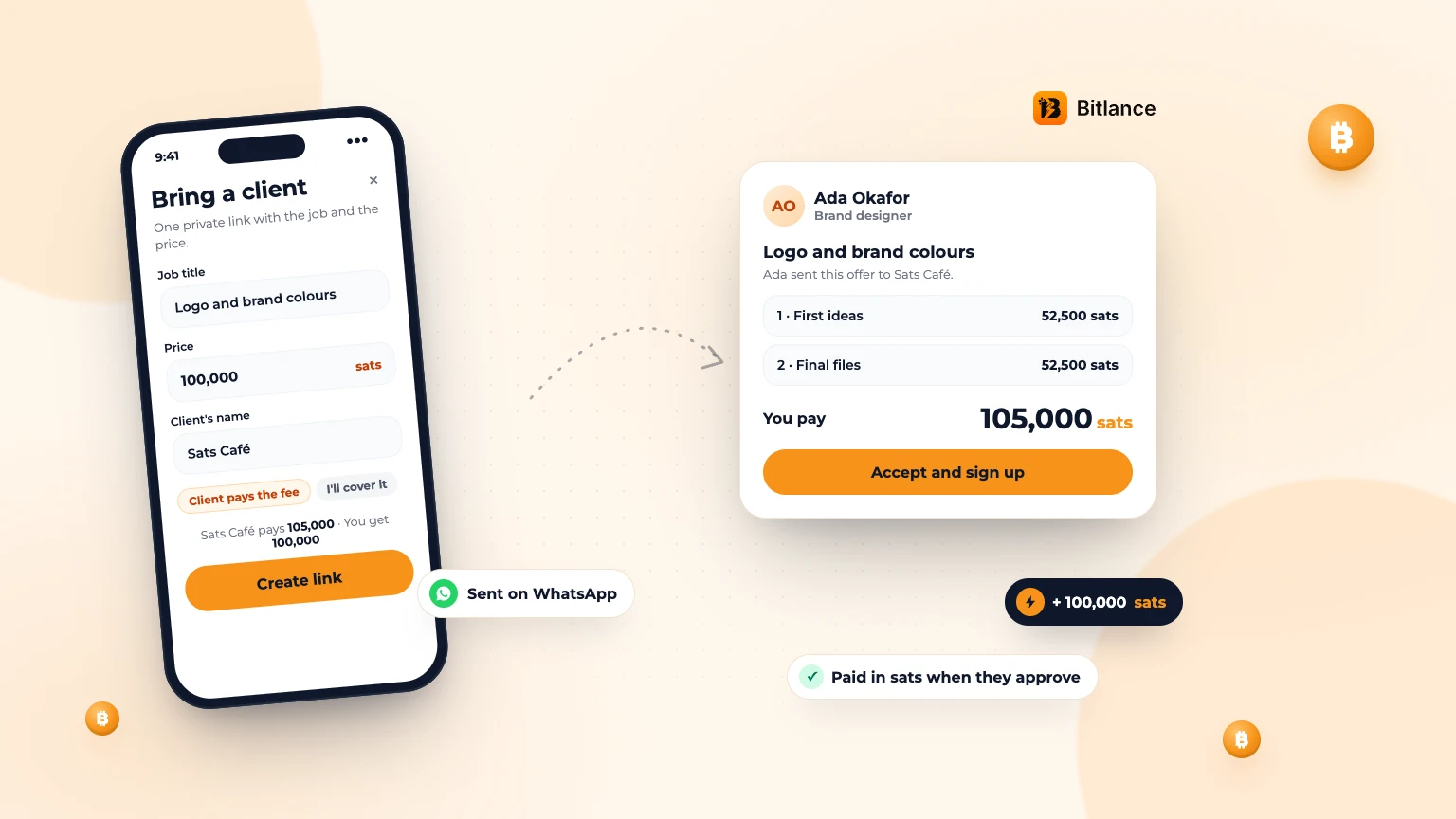
How to bring your own client to Bitlance and get paid in sats
One private link with the job and your price. Your client pays in first, and you're paid in sats when they approve....
Nov 133 min read
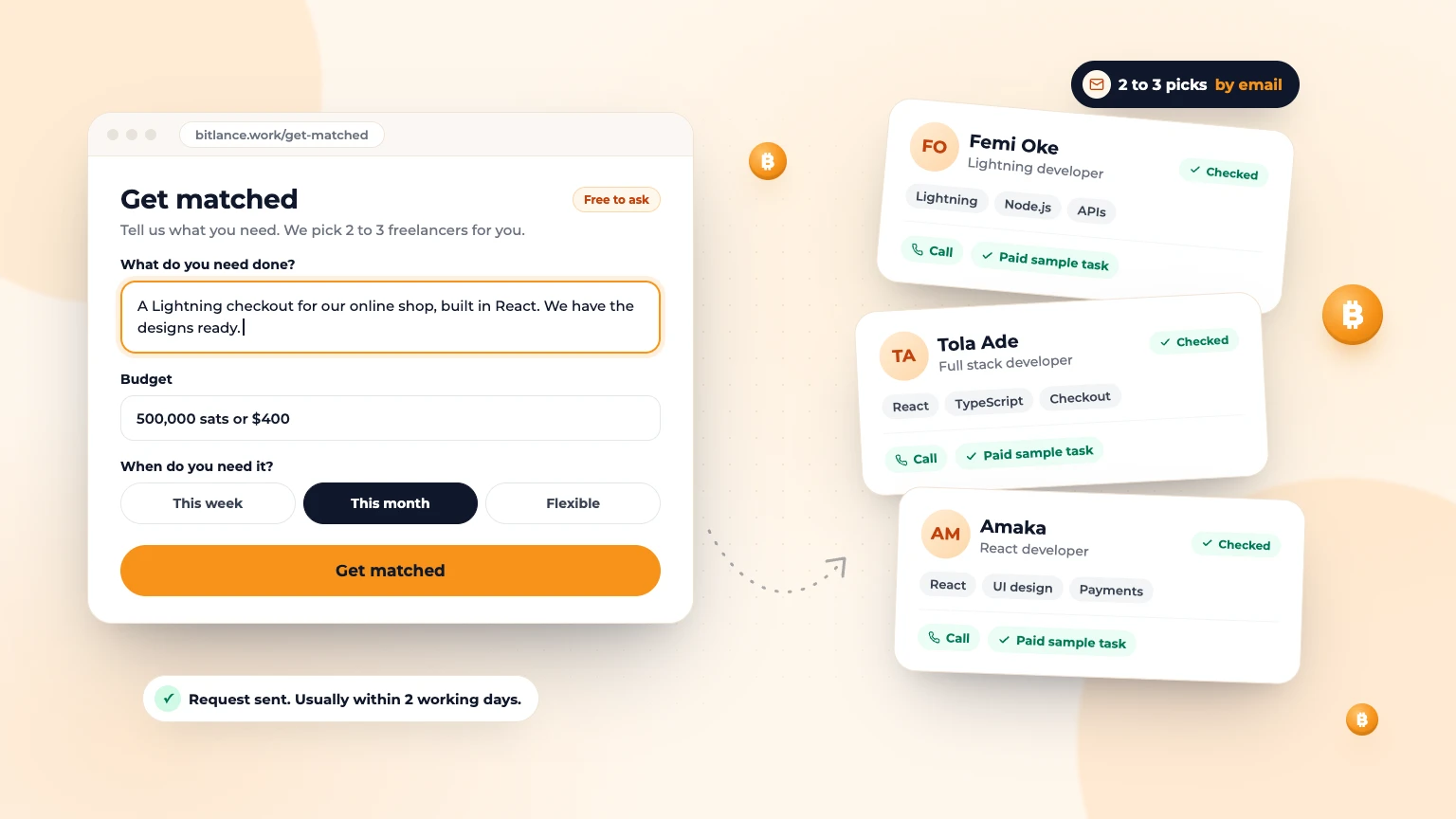
Get Matched: Let Bitlance Pick Checked Freelancers for You
Short on time? Tell us what you need and we'll email you 2 to 3 checked freelancers, usually within 2 working days. It's free to ask....
Nov 83 min read
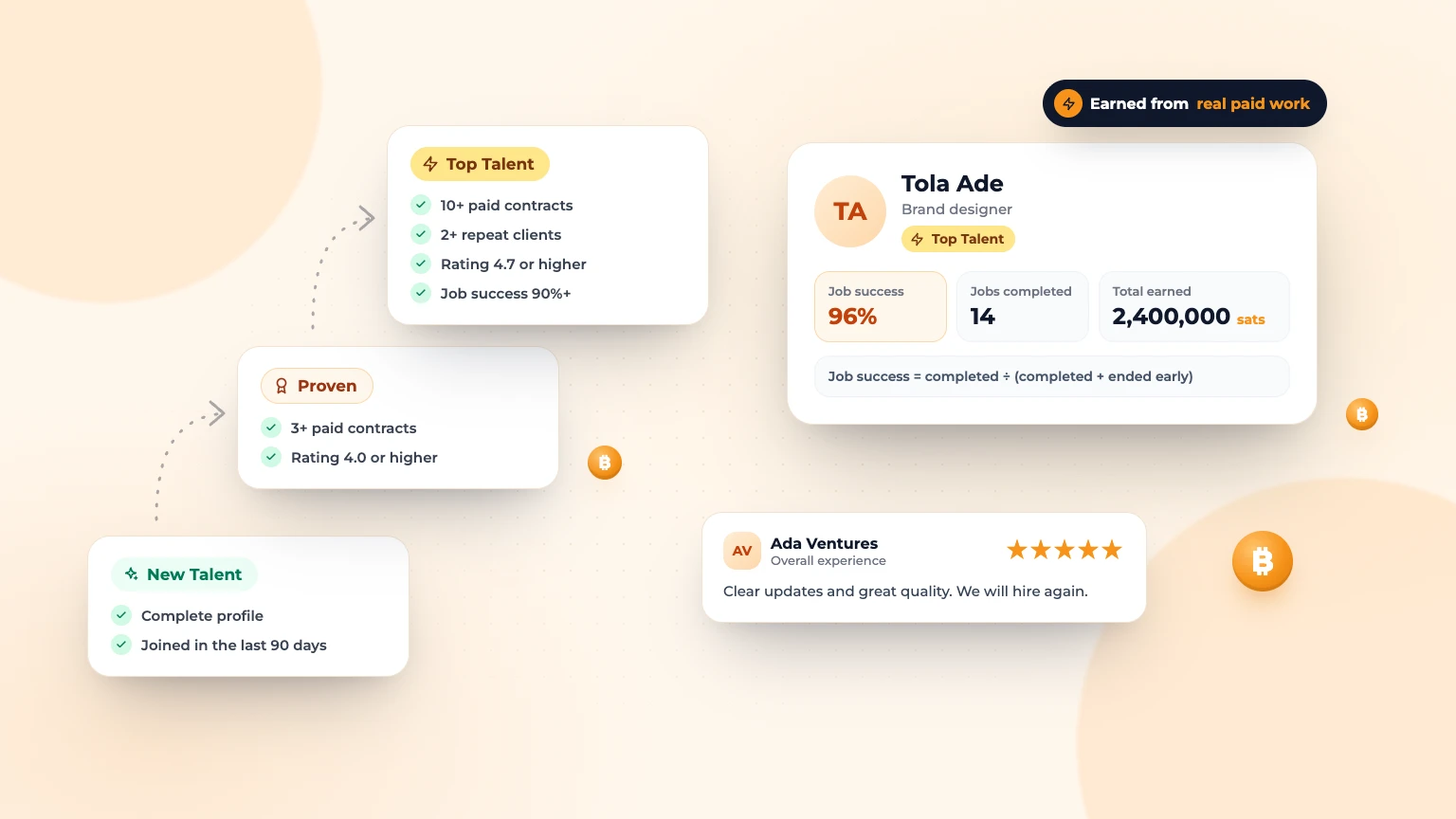
Badges, Job Success and Reviews: How Trust Works on Bitlance
What New Talent, Proven and Top Talent mean, how job success is worked out, and how clients and freelancers review each other....
Nov 83 min read