
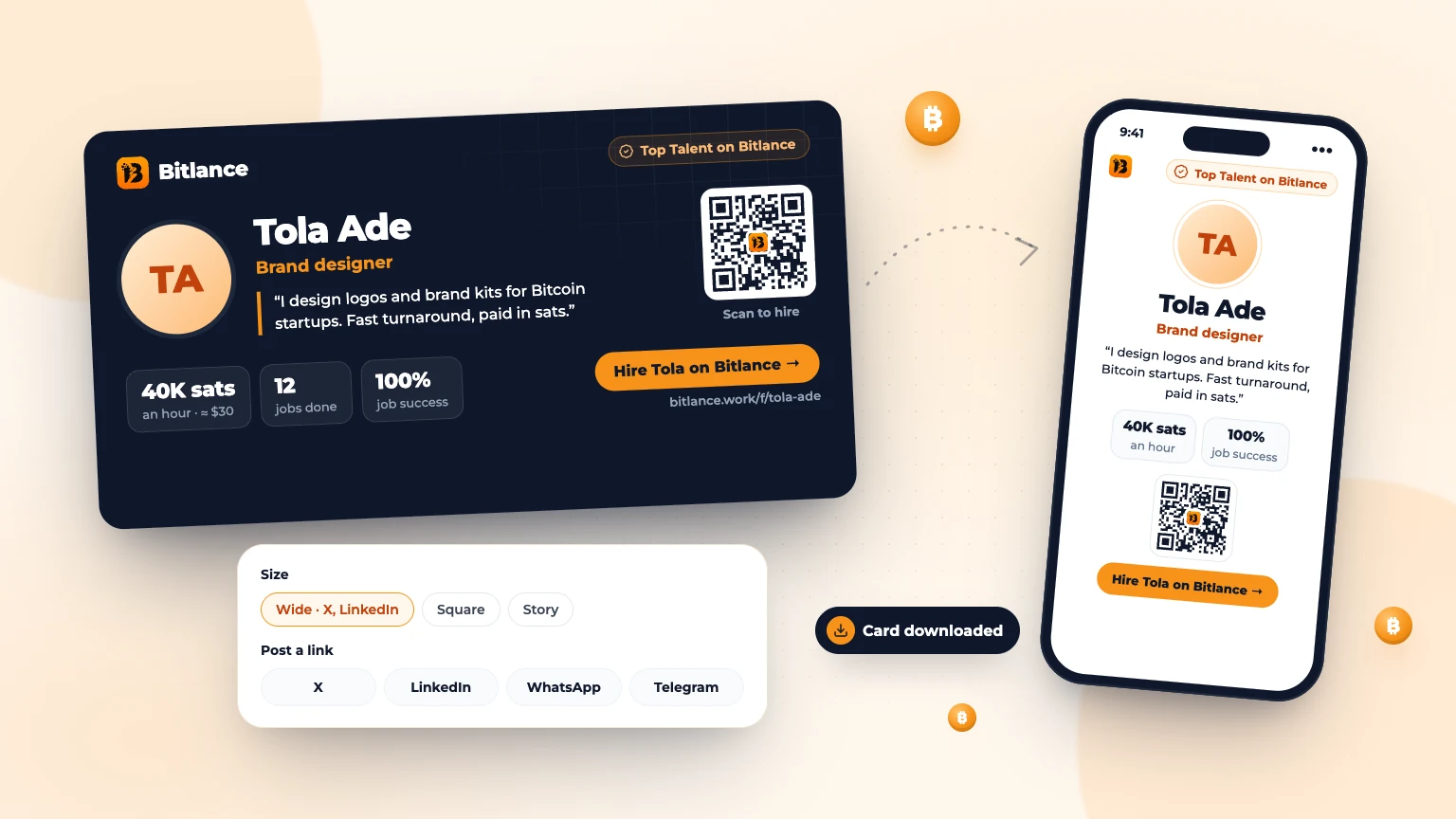
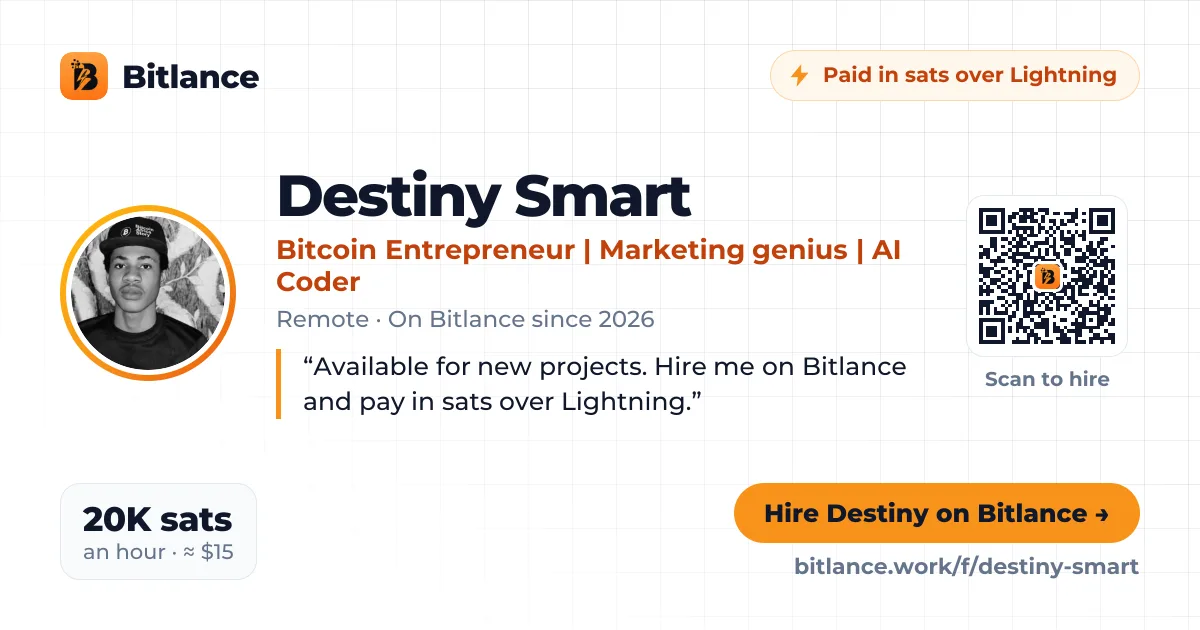
The fastest way to get hired is to make sure the right people see your profile. Bitlance creates a shareable profile card for you: a clean image with your photo, title, rate and a custom message, a QR code people can scan to hire you, and a link back to your profile.
Step 1: Open your profile card
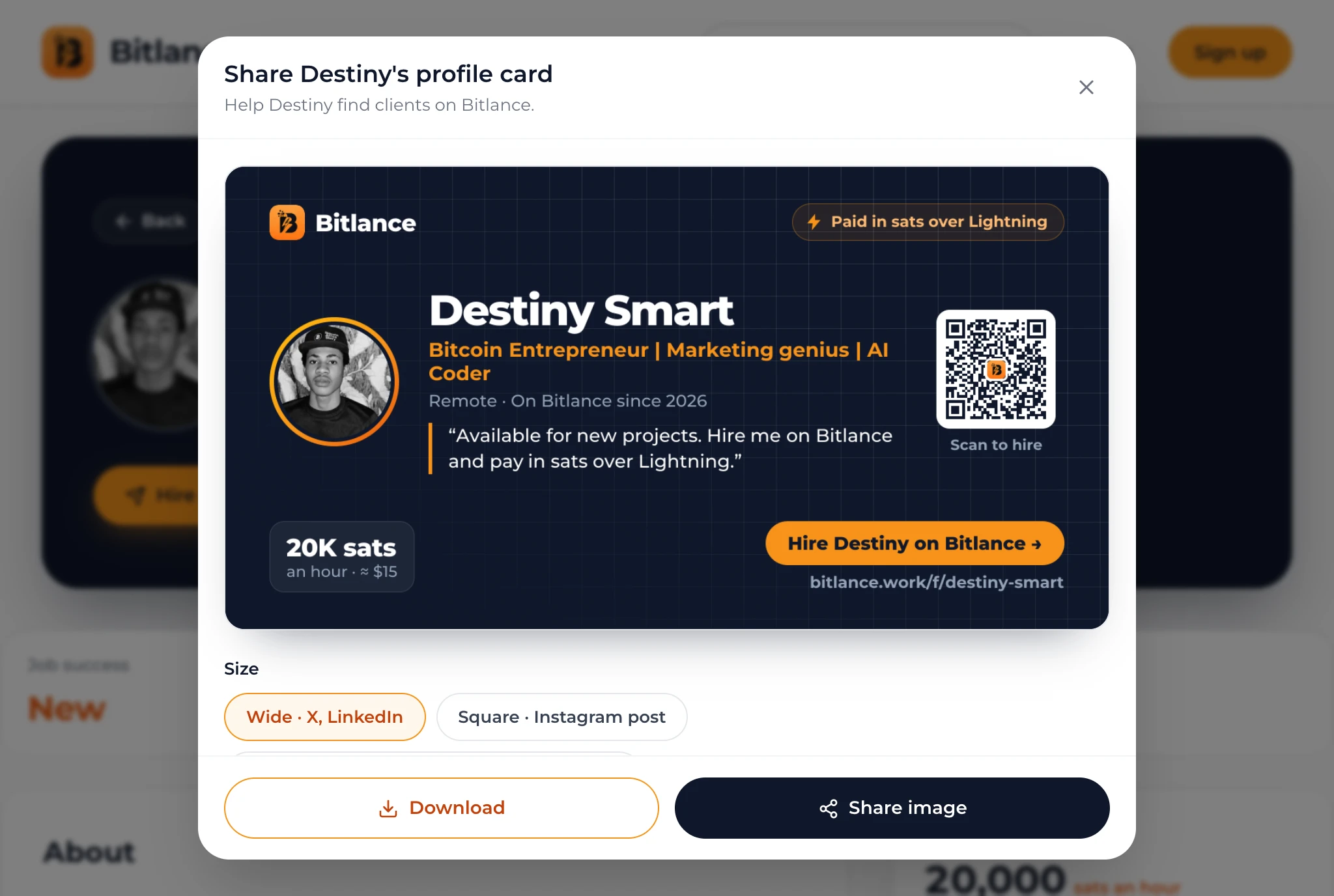
On your public Bitlance profile, tap the Share icon. If you're signed in, you'll also find Share card on your dashboard profile page.
Step 2: Write your message
Replace the default line with a short pitch of up to 160 characters. Say what you do and who you help, for example: "I design logos and brand kits for Bitcoin startups. Fast turnaround, paid in sats." Your rate, jobs done and job success come from your profile automatically, so they're always accurate. New freelancers' cards say New on Bitlance until their first job.
Step 3: Pick a size and theme
- Wide works best on X, LinkedIn and as a link preview.
- Square works best for an Instagram post.
- Story works best on WhatsApp Status and Instagram Stories.
- Choose Dark or Light to match your style.
Step 4: Download or share
Tap Download to save the image, or Share image to send it straight to an app on your phone. You can also post a link to X, LinkedIn, WhatsApp or Telegram; the link shows your card as its preview picture.
Tips that bring clients
- Post your card when you finish a job, together with a short story of the result.
- Pin it to your X or LinkedIn profile.
- Share it in communities where your clients spend time, following each community's rules.
- Keep your profile complete: photo, clear title and a bio about the results you deliver.
Open your profile on Bitlance and tap Share to create your card.
Frequently asked questions
Can I change the stats on my card?
No. Your rate, completed jobs and job success come from your Bitlance profile, so clients can trust them. You can edit the message.
Which size should I use?
Use Wide for X, LinkedIn and link previews, Square for an Instagram post, and Story for WhatsApp Status and Instagram Stories.

Written by
Bitlance team
Research and insights on Lightning Network payments, remote Bitcoin work, and freelancing.
Related articles
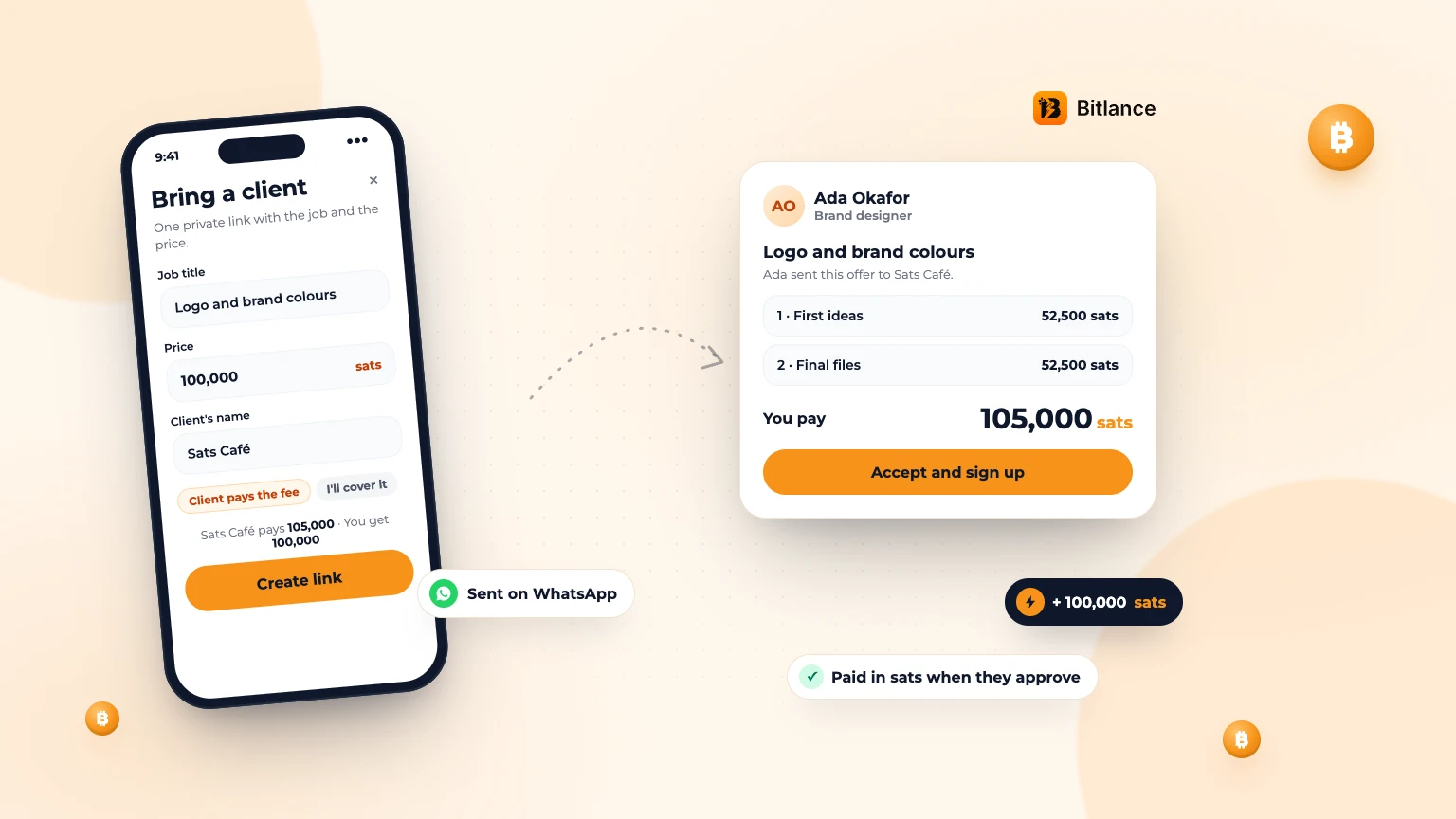
How to bring your own client to Bitlance and get paid in sats
One private link with the job and your price. Your client pays in first, and you're paid in sats when they approve....
Nov 133 min read
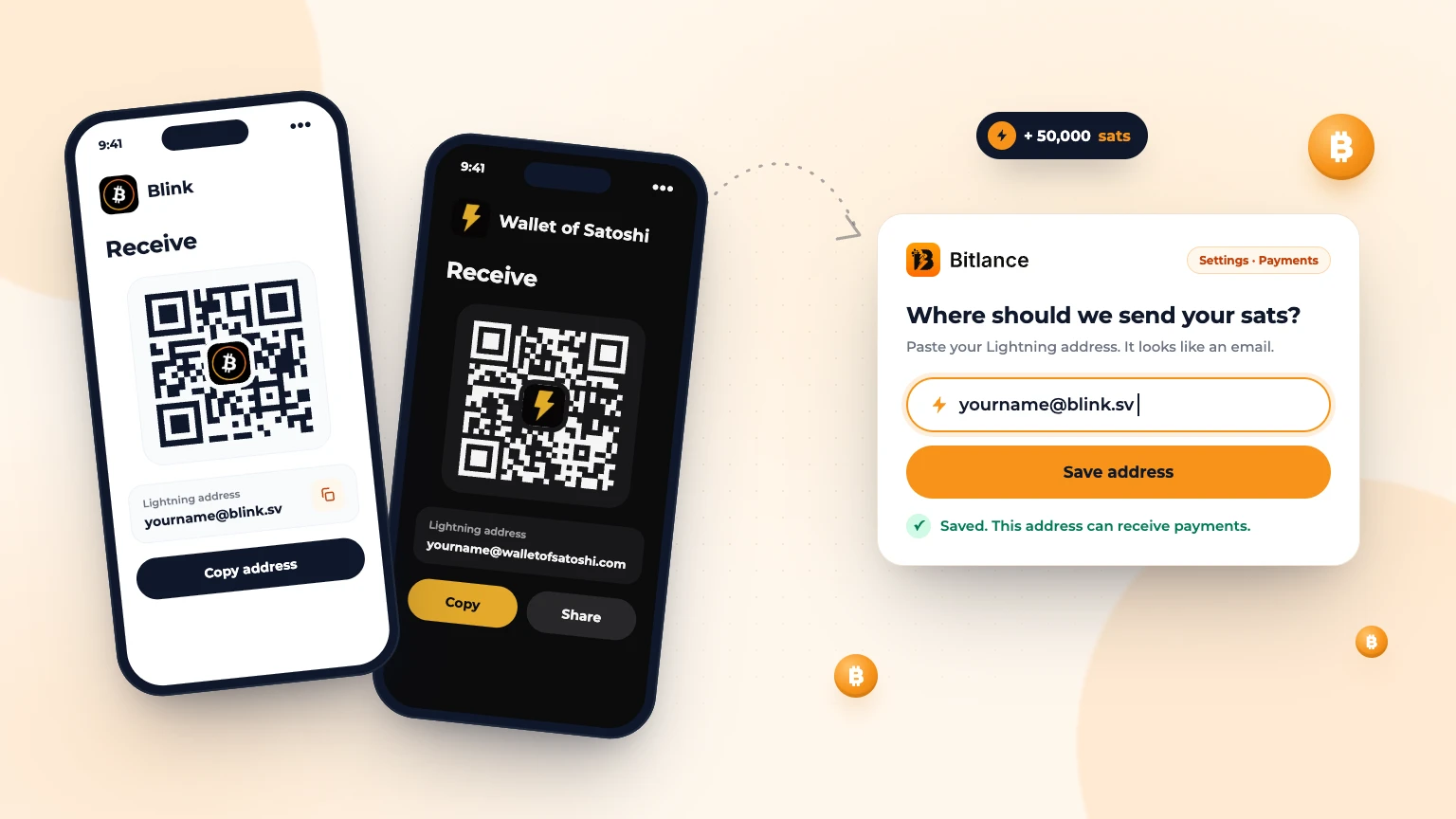
How to get a Lightning address and add it to Bitlance
Step by step with Blink and Wallet of Satoshi, for clients and freelancers: pick a wallet, get your address and add it to Bitlance....
Nov 139 min read
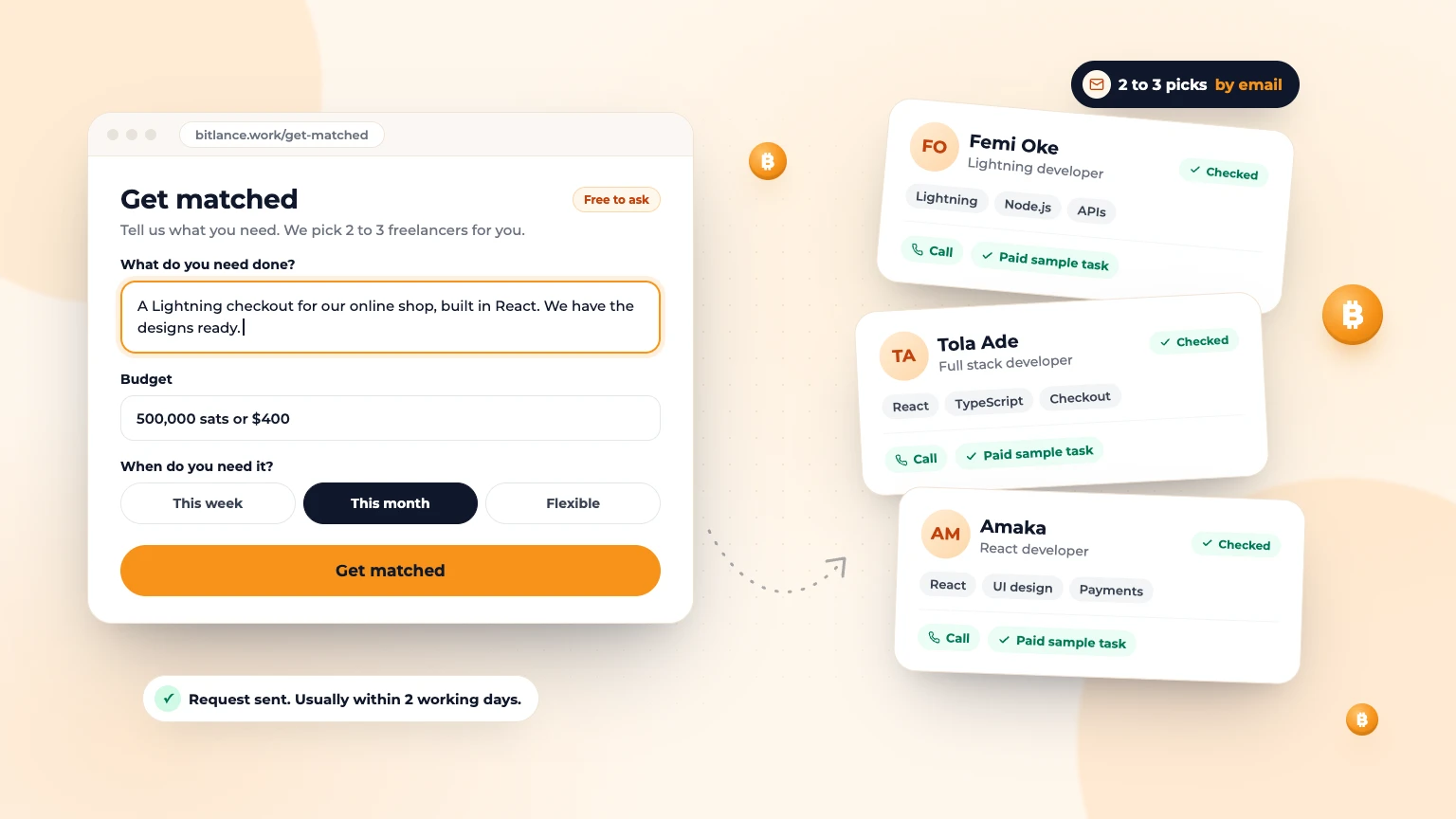
Get Matched: Let Bitlance Pick Checked Freelancers for You
Short on time? Tell us what you need and we'll email you 2 to 3 checked freelancers, usually within 2 working days. It's free to ask....
Nov 83 min read