
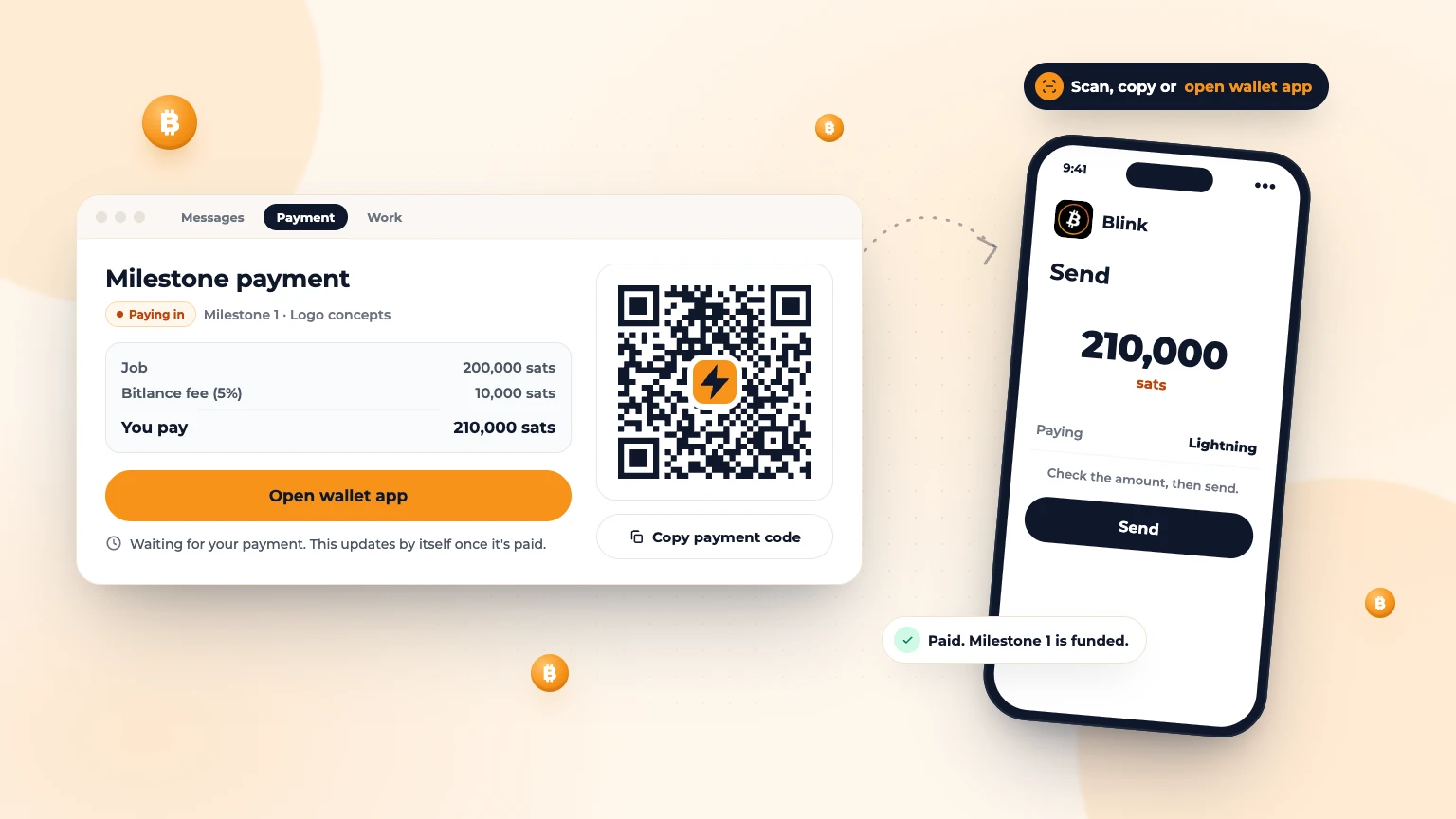
You've found a freelancer you like. The last step before work starts is paying the first milestone into Bitlance. If you've never paid in bitcoin, this guide walks you through it. It takes a few minutes the first time and seconds after that.
What you need
- A Lightning wallet on your phone or computer.
- Enough sats in it for the milestone plus Bitlance's 5% fee. Sats are small units of bitcoin: 100,000,000 sats make one bitcoin.
Step 1: Get a Lightning wallet
A Lightning wallet is an app that sends and receives bitcoin over the Lightning Network in seconds. Blink is one example that works well with Bitlance, and many others work too. Install it from your phone's official app store, check the developer name to avoid fake copies, and write down any backup words on paper.
New to Lightning? Read what the Lightning Network is.
Step 2: Get sats into your wallet
How you get sats depends on where you live. Common ways:
- Some wallets let you buy sats inside the app with a card or bank transfer, where that's allowed in your country.
- Buy bitcoin on an exchange or peer-to-peer service that works in your country, then send it to your Lightning wallet.
- Receive sats from someone you know.
Start with a small amount to test, use well-known services, and never send money to a stranger who promises a better rate. Check the rules and any tax obligations where you live.
Step 3: Open the Payment tab in your chat
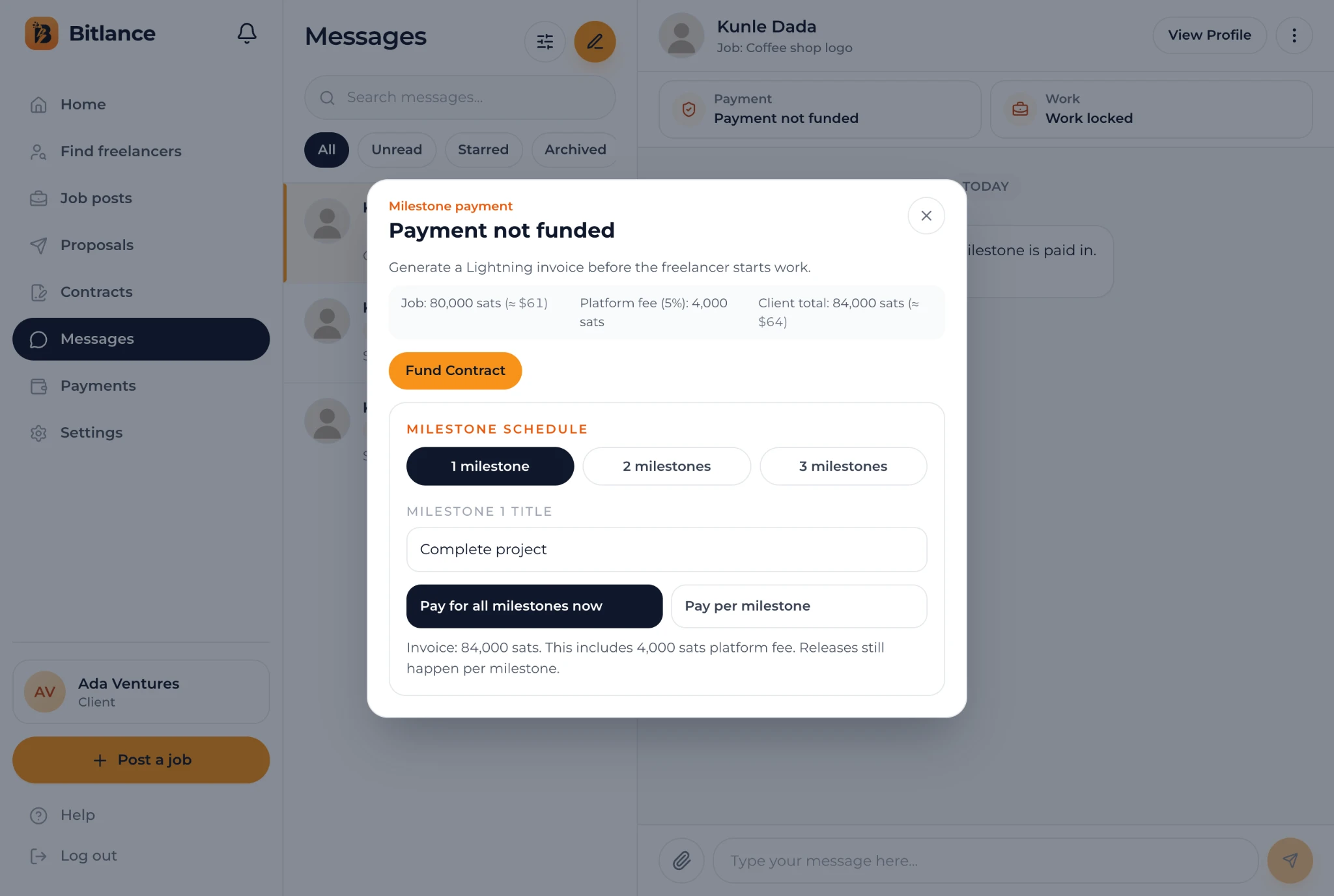
When you hire someone, Bitlance creates a contract and a conversation in Messages. At the top of that chat, tap Payment. Until you pay, it says Payment not funded.
Step 4: Set up the milestones
- If the freelancer's price differs from your job budget, choose which one you're paying.
- Under Milestone schedule, pick 1, 2 or 3 milestones and give each a title that says what will be delivered.
- Choose Pay for all milestones now or Pay per milestone. Paying for all now means the freelancer can move from one milestone to the next without waiting. Either way, each milestone is only paid out when you approve that work.
Before you pay, Bitlance shows the breakdown: the job amount, the platform fee (5%) and your total. Freelancers pay no fee.
Step 5: Create and pay the invoice
- Tap Fund Contract. Bitlance creates a Lightning invoice, a one-time payment request for the exact amount.
- On your phone: open your wallet, tap Send or Scan, and scan the QR code on your computer screen.
- All on one device: tap Copy Invoice and paste it into your wallet's Send screen.
- Check the amount in your wallet and confirm.
Pay within 30 minutes. After that the invoice expires. Don't pay an old invoice: tap Generate Fresh Invoice to get a new one.
Step 6: Payment confirmed
Bitlance spots the payment by itself within a few seconds. If it doesn't, tap Check Payment. You'll then see:
- Payment held safely: "Your payment is held safely. The freelancer can start work now."
- A message in the chat telling the freelancer that work can start.
- A Funds held label on the contract in your Contracts page.
Your sats stay with Bitlance until you approve the work. When the freelancer delivers, you review it and slide to pay, or ask for changes. Read how milestone payments work.
Paying per milestone? Here's what's next
After the first milestone is paid out, the Payment tab says "Create the invoice for milestone 2 when you're ready". Tap Create Next Milestone and pay it the same way.
Add your own Lightning address too
In your Settings, add a Lightning address for your own wallet. Bitlance uses it to send sats back to you if a contract ends early or you lower a milestone. Read how to set up a Lightning address.
Common problems
- "Invoice expired": tap Generate Fresh Invoice and pay the new one.
- My wallet says payment failed: check you have enough sats for the amount plus your wallet's small network fee, then try again.
- I paid but it still says not funded: wait a few seconds, then tap Check Payment. If it still doesn't change, contact Bitlance support from Help. Don't pay a second time.
- Changed your mind before paying? Tap Cancel Invoice / Change Setup and don't pay the old QR code.
Frequently asked questions
Do I need bitcoin to hire on Bitlance?
Yes. Milestones are paid with a Lightning invoice, so you need a Lightning wallet with enough sats for the milestone plus the 5% platform fee.
How long do I have to pay the invoice?
30 minutes. After that it expires, and you can generate a fresh invoice from the Payment tab in the chat.
Is my money safe after I pay?
Your sats are held by Bitlance and only paid out to the freelancer when you approve the work for that milestone.

Written by
Bitlance team
Research and insights on Lightning Network payments, remote Bitcoin work, and freelancing.
Related articles
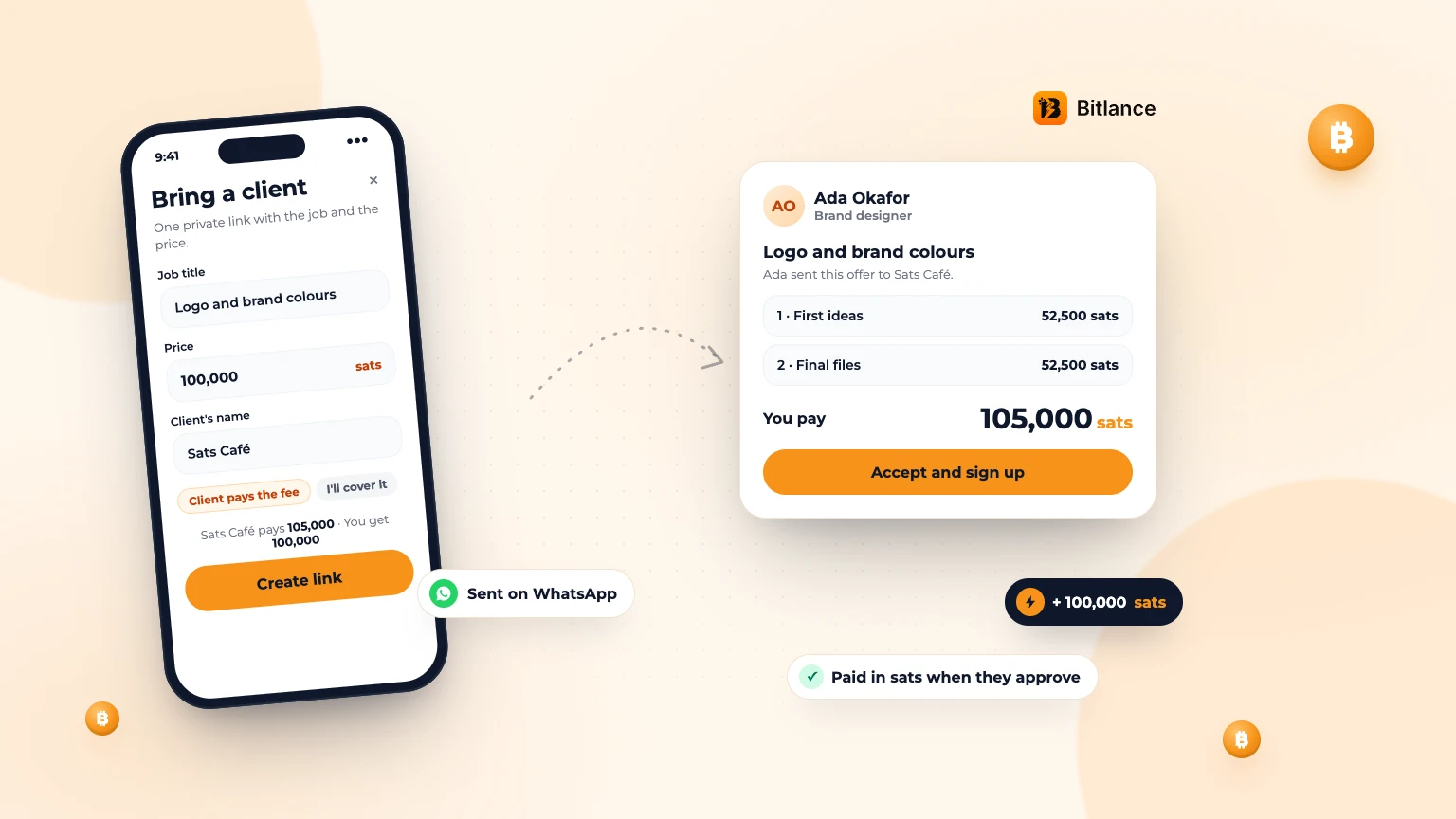
How to bring your own client to Bitlance and get paid in sats
One private link with the job and your price. Your client pays in first, and you're paid in sats when they approve....
Nov 133 min read
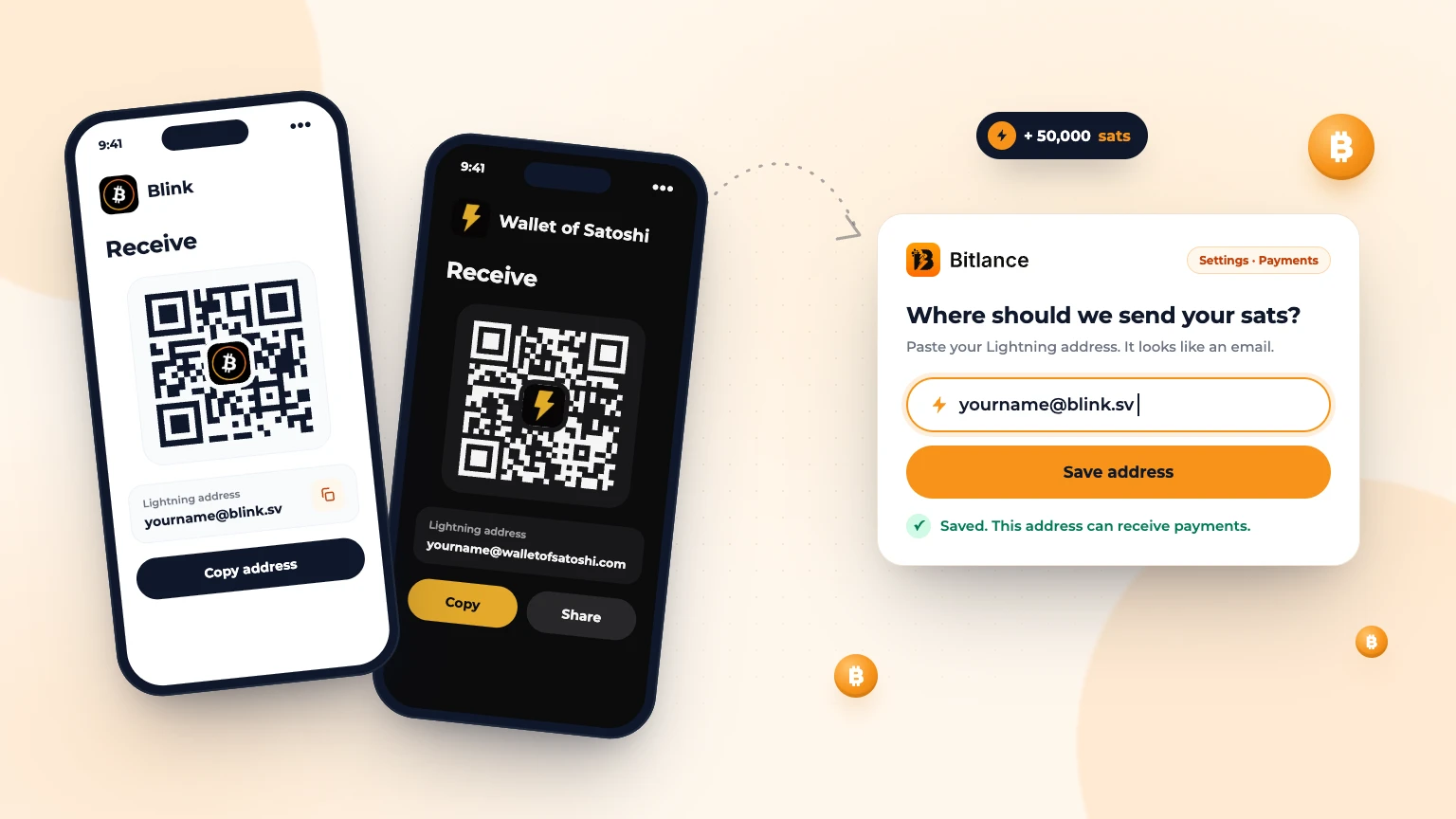
How to get a Lightning address and add it to Bitlance
Step by step with Blink and Wallet of Satoshi, for clients and freelancers: pick a wallet, get your address and add it to Bitlance....
Nov 139 min read
Get Matched: Let Bitlance Pick Checked Freelancers for You
Short on time? Tell us what you need and we'll email you 2 to 3 checked freelancers, usually within 2 working days. It's free to ask....
Nov 83 min read