
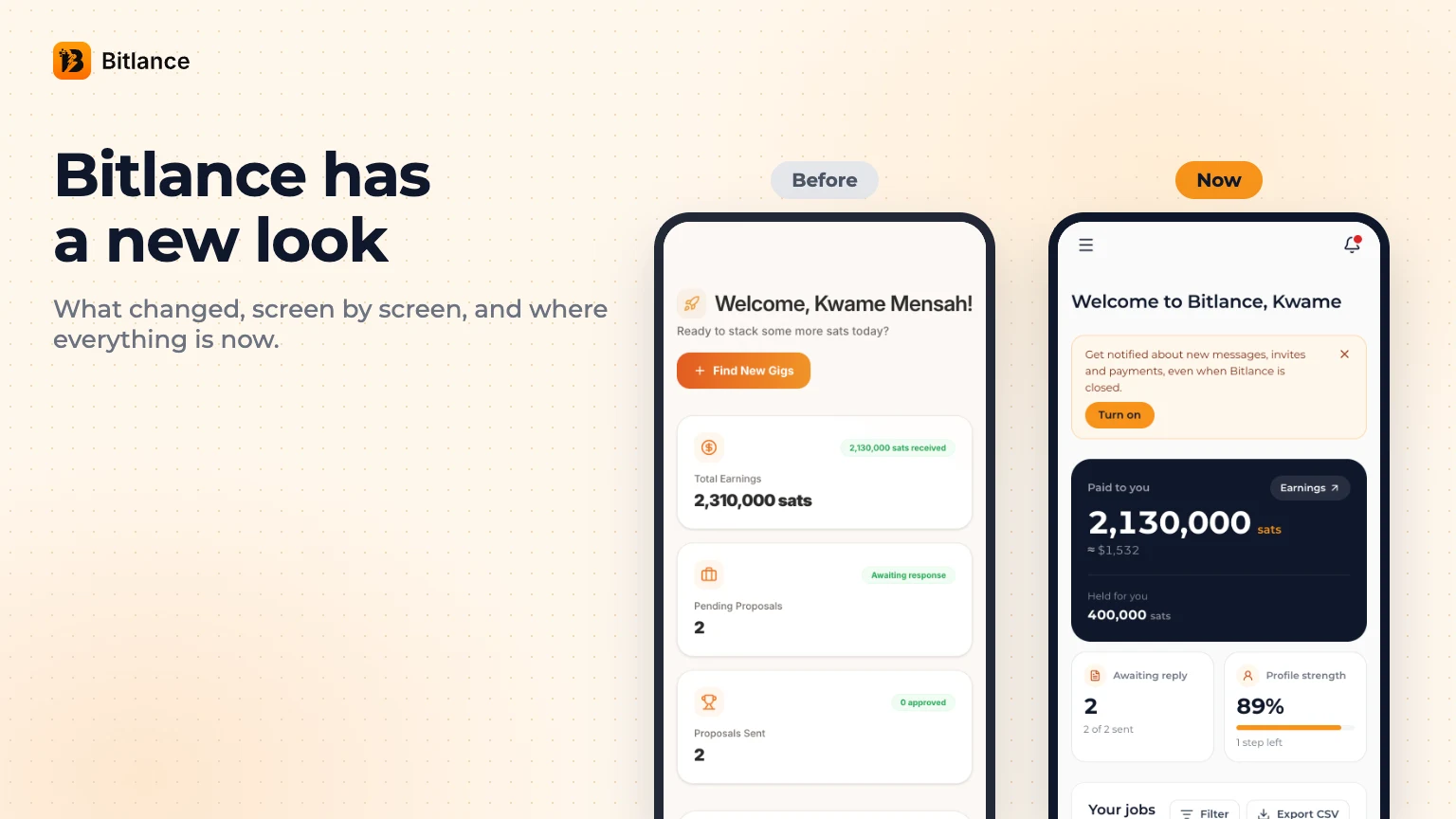
These past few weeks the team has been heads down redesigning Bitlance, from the first sketches to the last line of code. If you've opened it lately, you've seen it. We're proud of how it came out.
We believe in simplicity and unity. Before, some parts of Bitlance felt like different apps stitched together. Now every screen works the same way, so anyone new can understand what we're doing in a few seconds. And don't worry, nothing you saved is gone. Your profile, jobs, proposals, chats, contracts and payments are all where you left them.
Because a lot moved, we put the old screens next to the new ones, so you can find your way around.
What changed
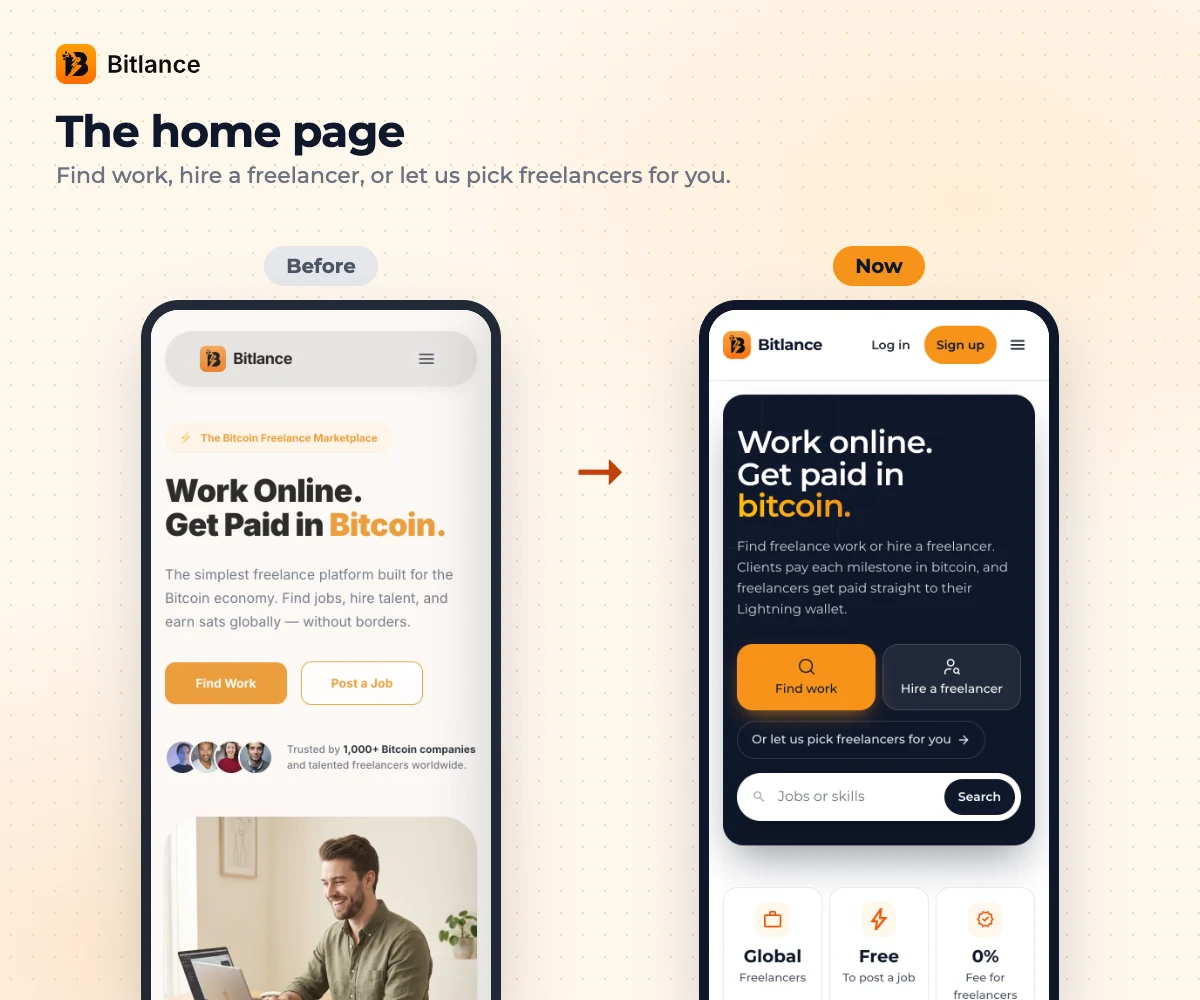
The home page used to be a big photo with two buttons. Now it asks you one question: do you want to find work, hire someone, or have us pick freelancers for you? You can also search jobs and skills right from the top.
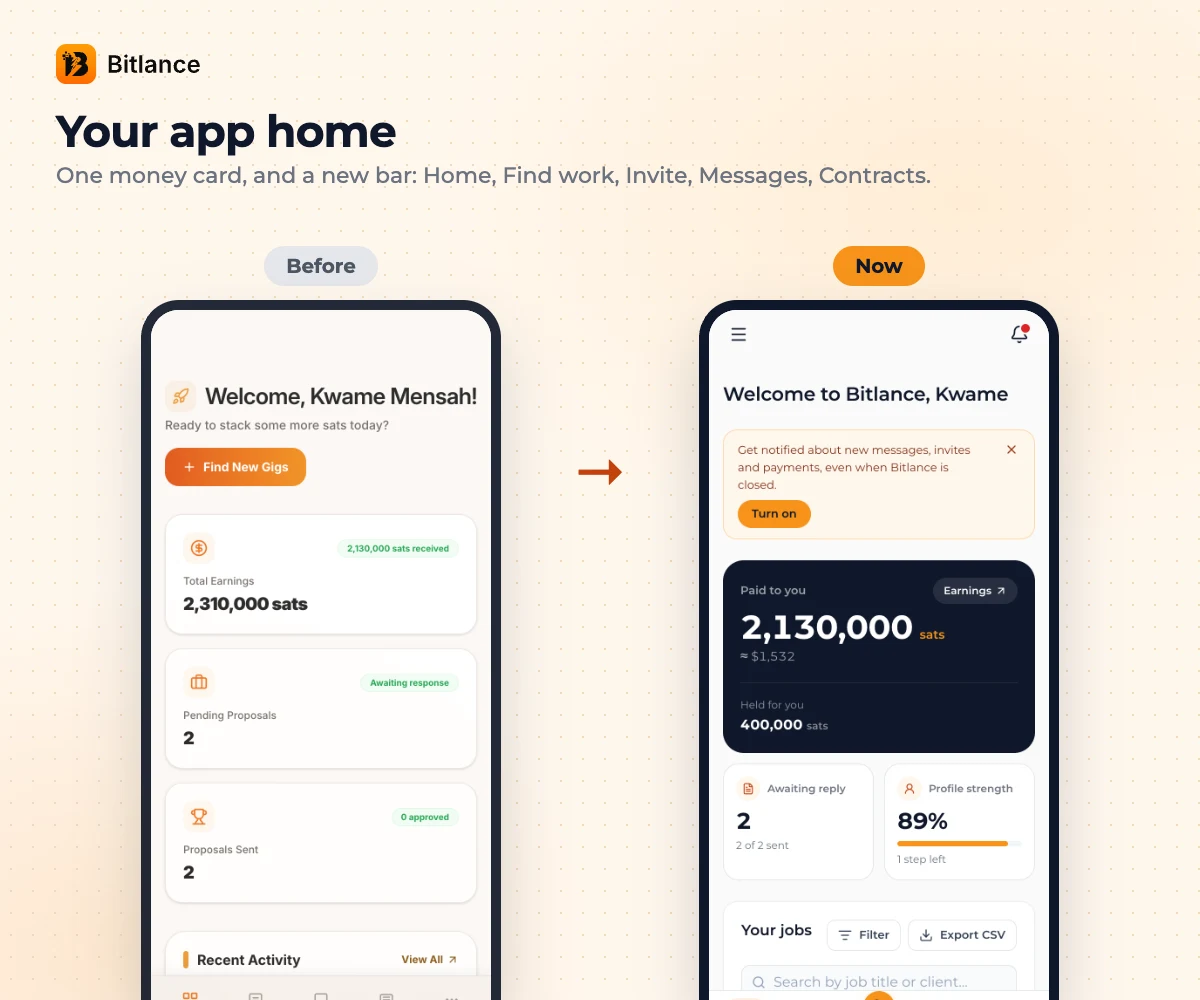
Inside the app, your home used to be three big cards. Now one card shows what you've been paid and what's being held for you, with the dollar value under the sats. The bar at the bottom changed too: Home, Find work, Invite, Messages, Contracts. If you're looking for Proposals or Earnings, they're in the menu at the top left. New messages and payments show up in the bell at the top right.
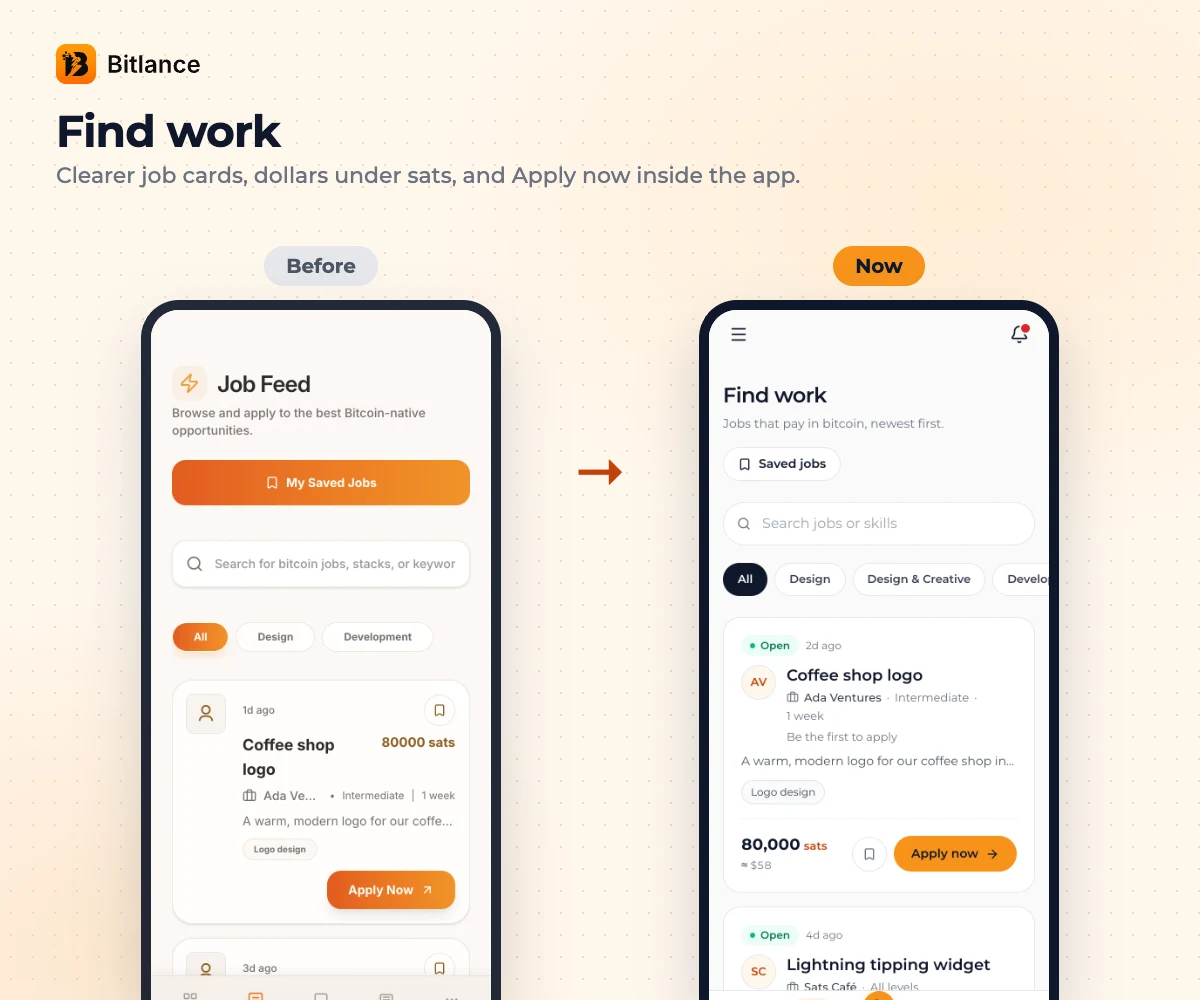
Job Feed is now called Find work. Every job card tells you who the client is, the level, how long it takes and the price in sats with dollars underneath. When you tap Apply now, the job opens right inside the app, so you don't get thrown out to another page.
Contracts used to start with four counters and a long list. Now you get one card per job, and each card tells you where the job stands, if the money is held for you, and how many payments are done. You can filter by Active or Waiting for review.
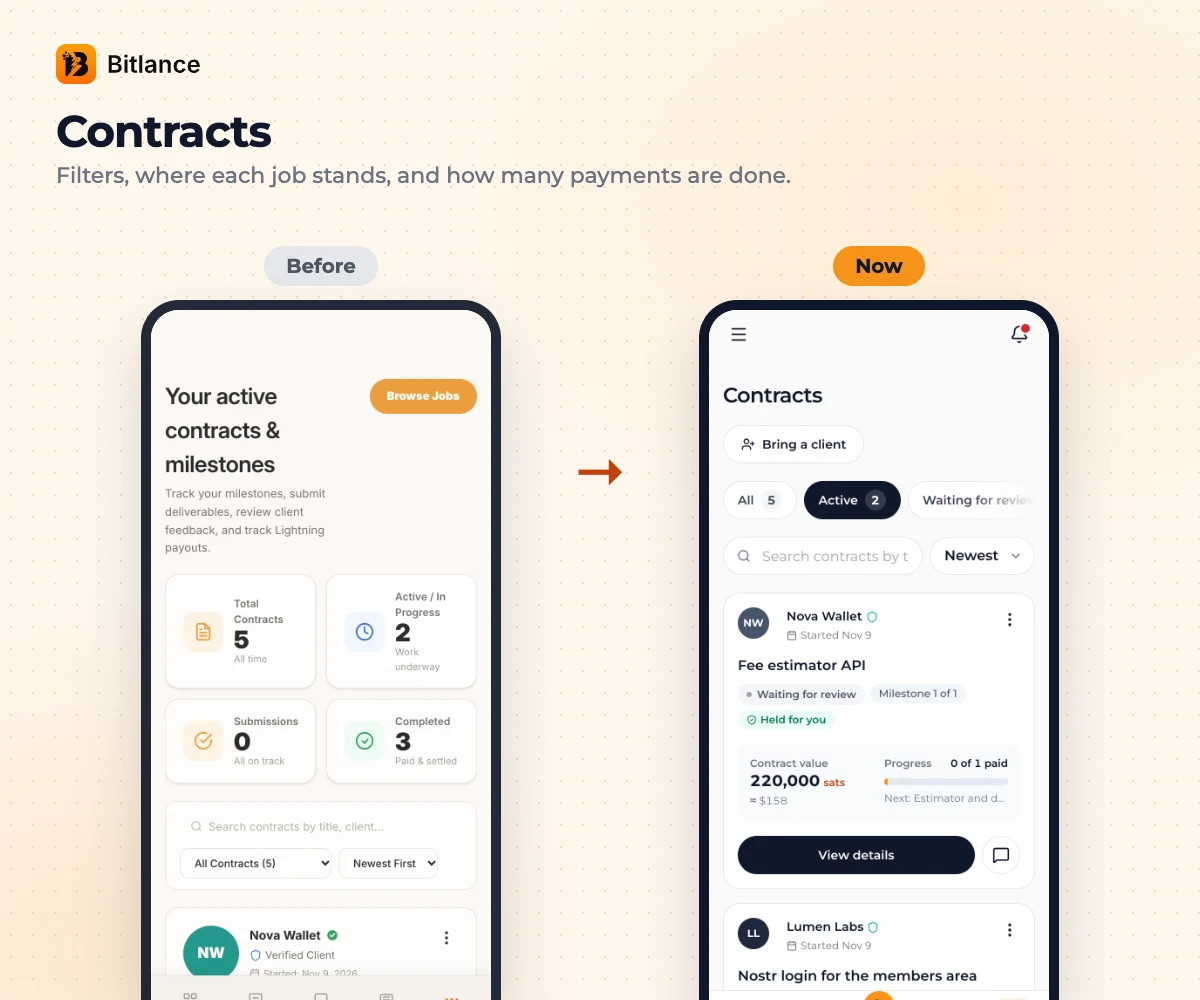
In Messages, every chat used to just say "Invite", which wasn't much help. Now each chat shows where its job is: in progress, waiting for review or completed.
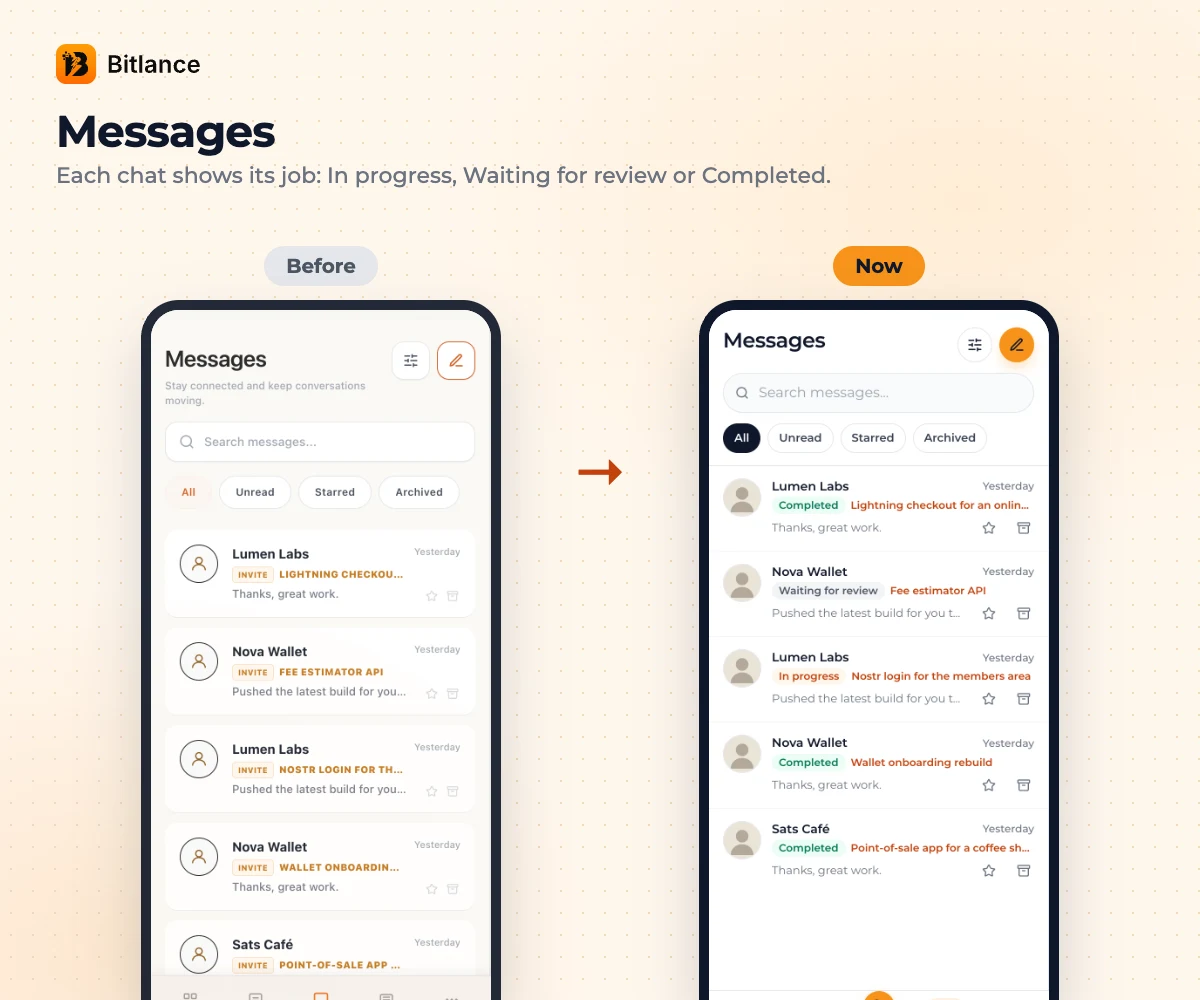
Earnings is clearer now: what's been paid to you, and what's held for you. You can see the Lightning address your money goes to, change it in one tap, and see how each month went.
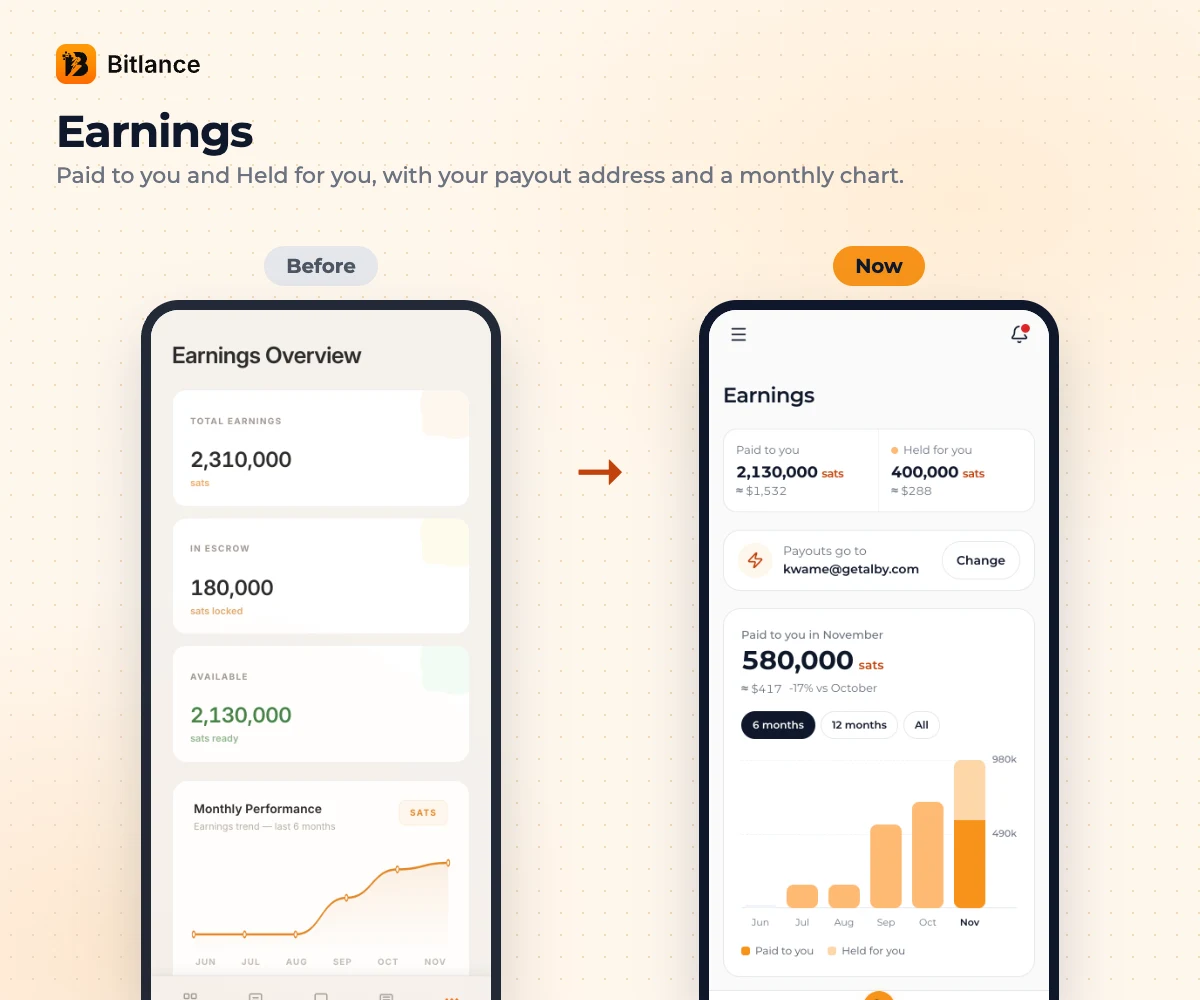
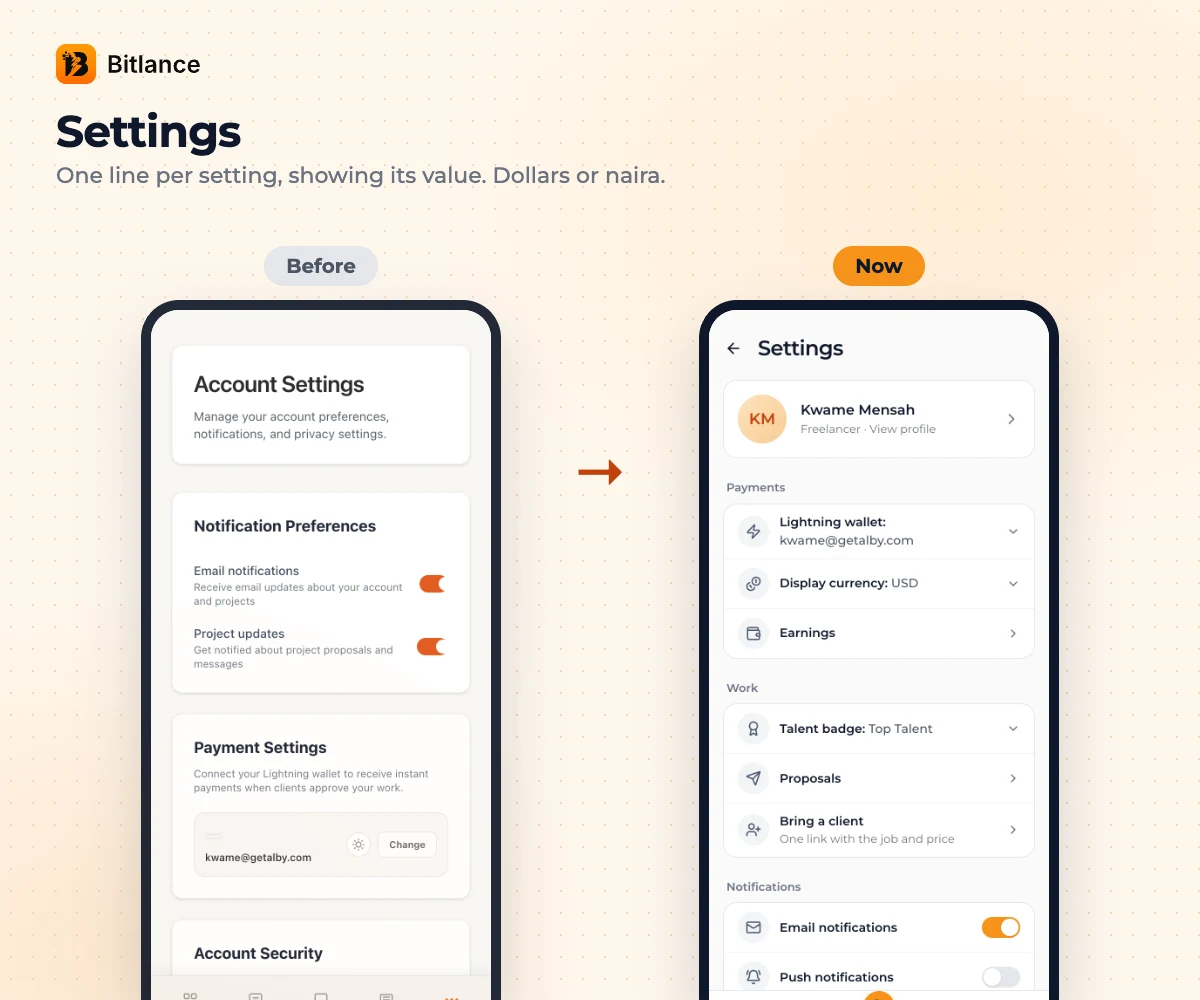
Settings used to be long cards with a sentence under everything. Now it's one line per setting, and each line shows what it's set to. That's also where you can switch your amounts from dollars to naira.
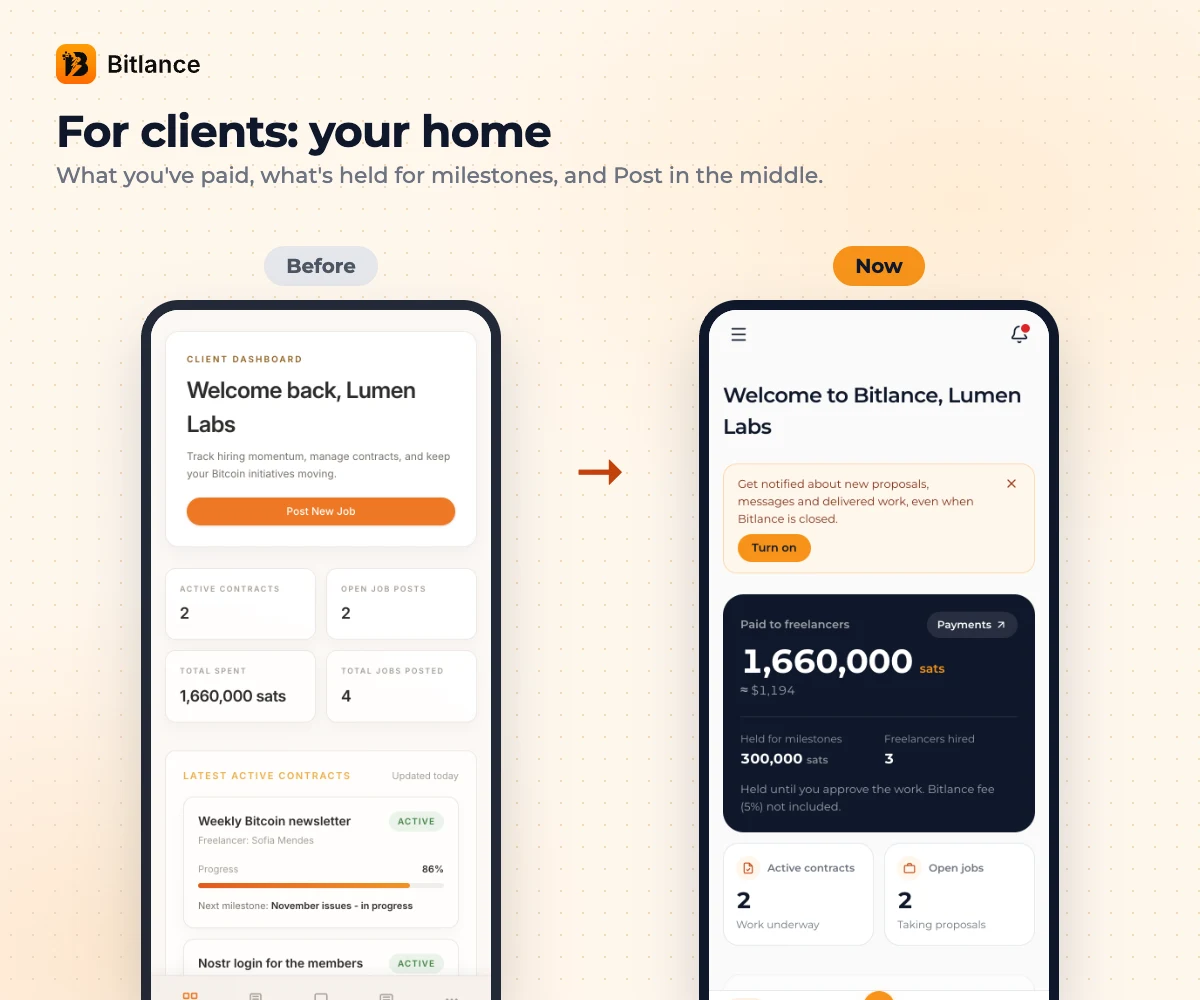
Clients, your home changed as well. One card shows what you've paid freelancers, what's held for your milestones and how many people you've hired. Post a job now sits right in the middle of your bar.
What's new
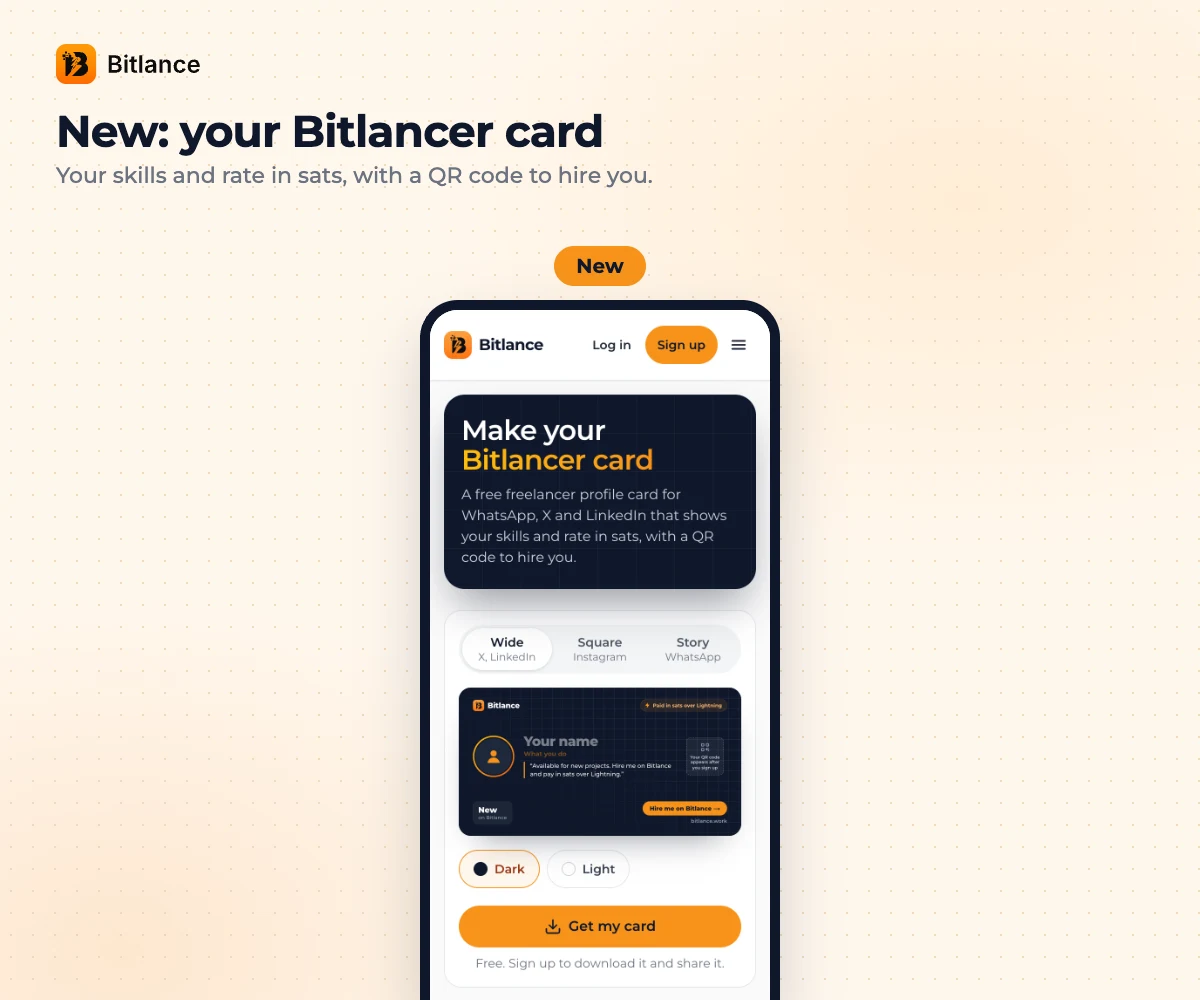
The one we're most excited about is the Bitlancer card. You put your skills and your rate in sats on a card and share it on your WhatsApp status, on X, anywhere. It has a QR code. Someone sees it and goes "oh, so this is what you do", scans it, and lands on your profile. We really think that one card can bring people work if they use it well. Make yours here.
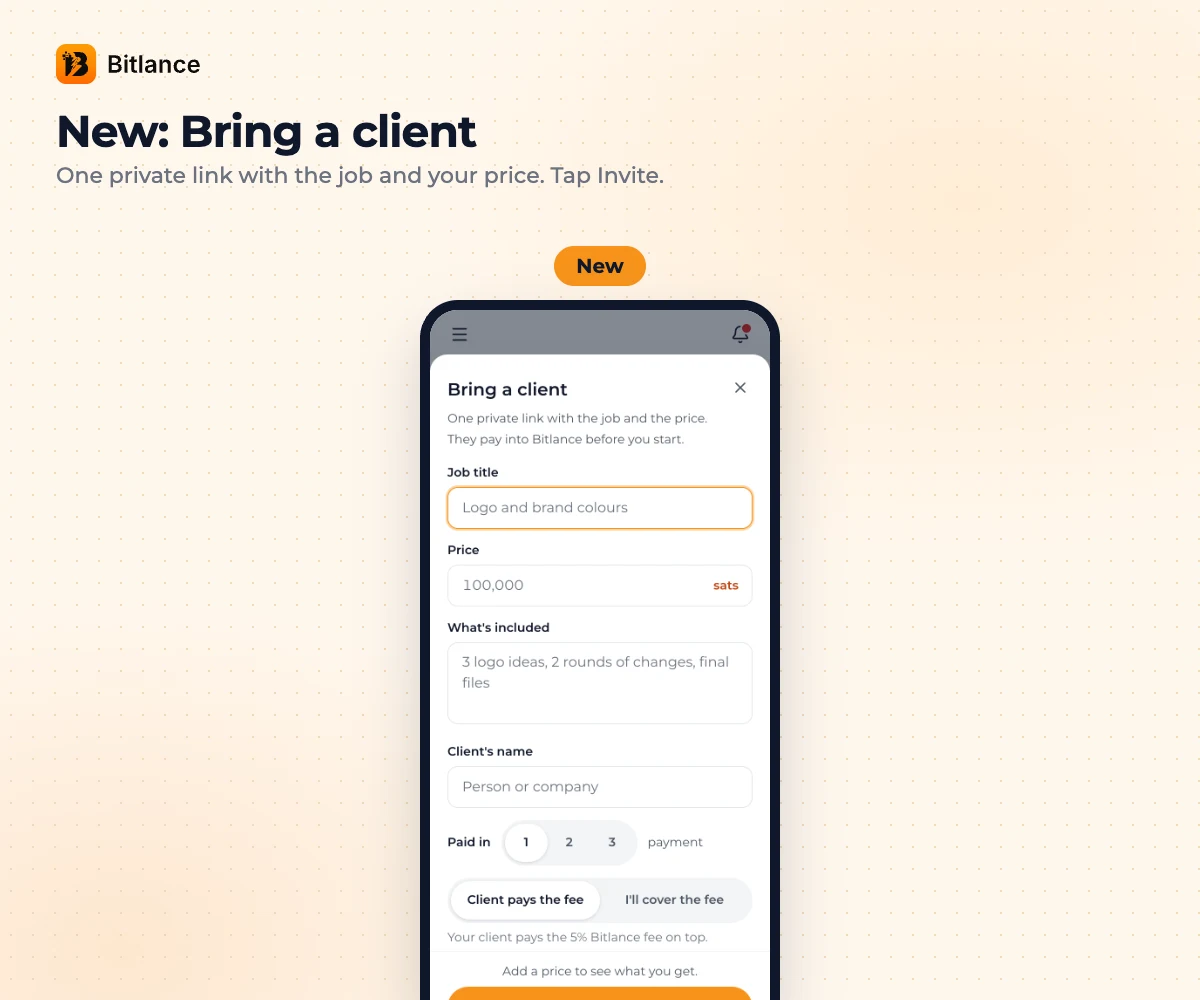
If you already work with someone outside Bitlance, bring them in. You know how it goes when you work with someone you know. "Do this for me, take half now, you're my guy." Then wahala. With Bring a client, you tap Invite, add the job and your price, and send them one private link. They put the money for the milestone in before you start, and when they see the work is done, they release it. It just makes things more professional between you. Here's how it works.
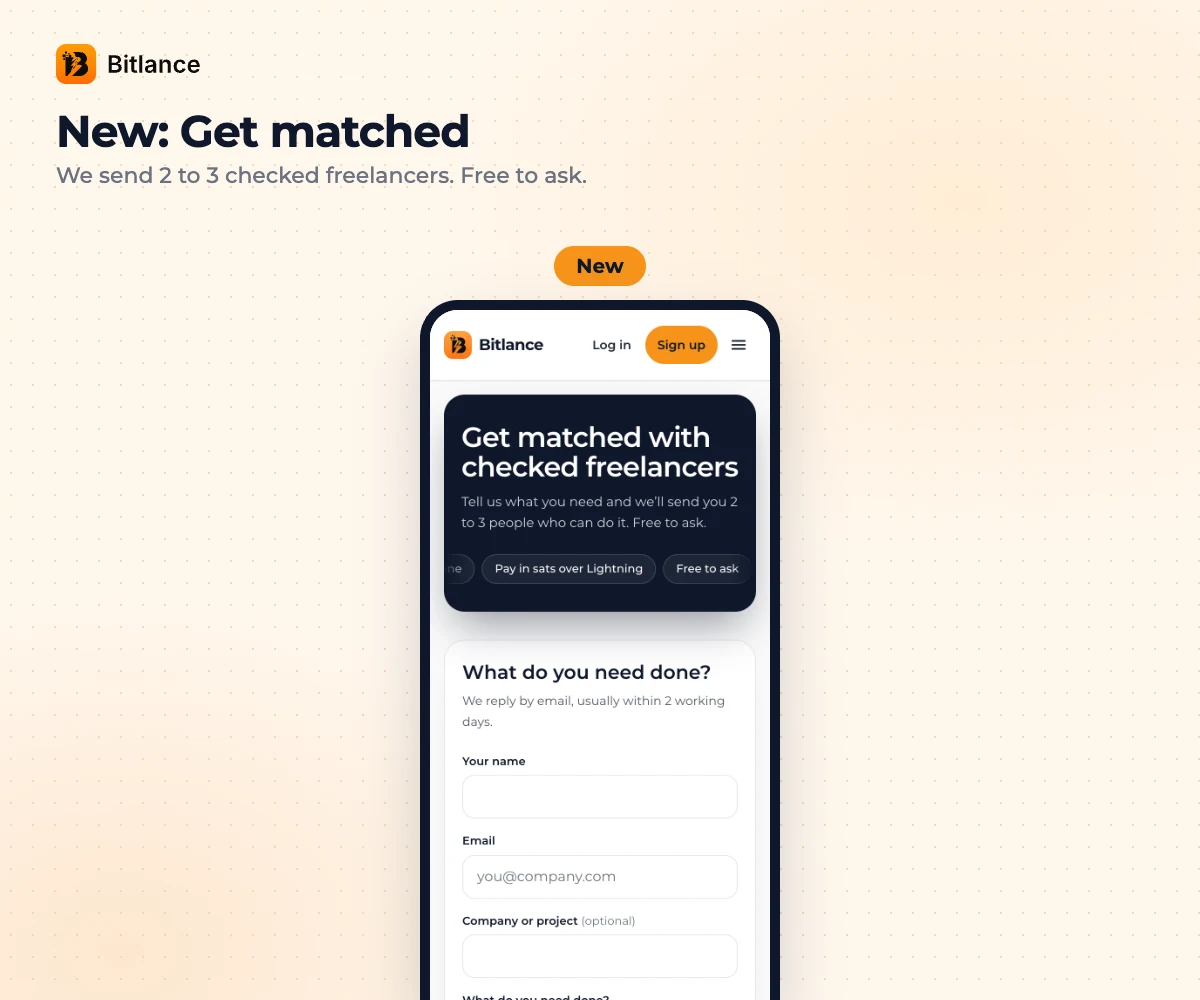
And if you're a client who needs someone fast, use Get matched. Tell us what you need, and we go and find freelancers, make sure they're active and ready, and send you 2 or 3 of them. It's free to ask. Try Get matched.
There are smaller things too. You can sign up with Google now. Clients slide to pay a milestone instead of tapping. Freelancers earn badges (New Talent, Proven, Top Talent) from paid work and client ratings. AI can fill your profile from your CV, tidy up your bio and help you draft proposals. And there's a "Help from Bitlance" chat in your Messages where our team checks in when you might be stuck.
That's it for now. If something is hard to find, or just annoys you, tell us. Reply in the Help from Bitlance chat. Feedback is honestly how this gets better.
To everyone using Bitlance: we love you. Keep using it.
Destiny, for the Bitlance team
Frequently asked questions
Did I lose anything in the update?
No. Your profile, jobs, proposals, chats, contracts and payments are all still there.
Where are Proposals and Earnings now?
In the menu at the top left of the app. Earnings is also on the money card on Home.
Can I see amounts in naira?
Yes. Open Settings and change Display currency to naira.

Written by
Destiny Smart
Research and insights on Lightning Network payments, remote Bitcoin work, and freelancing.
Related articles
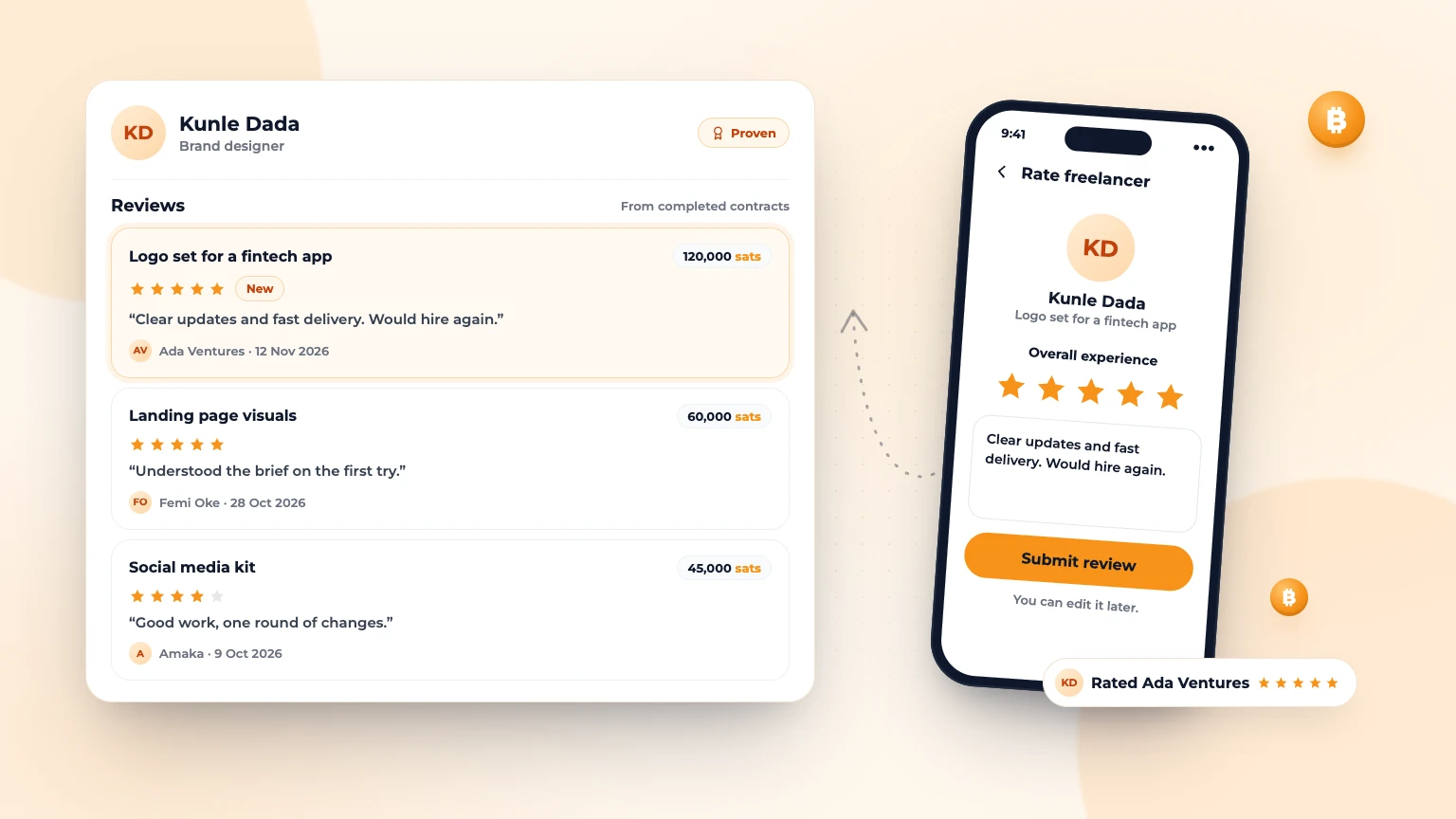
Client Reviews Are Live on Bitlance
Clients on Bitlance can now rate and review the freelancers they hire. When a contract is complete, the client...
Oct 122 min read
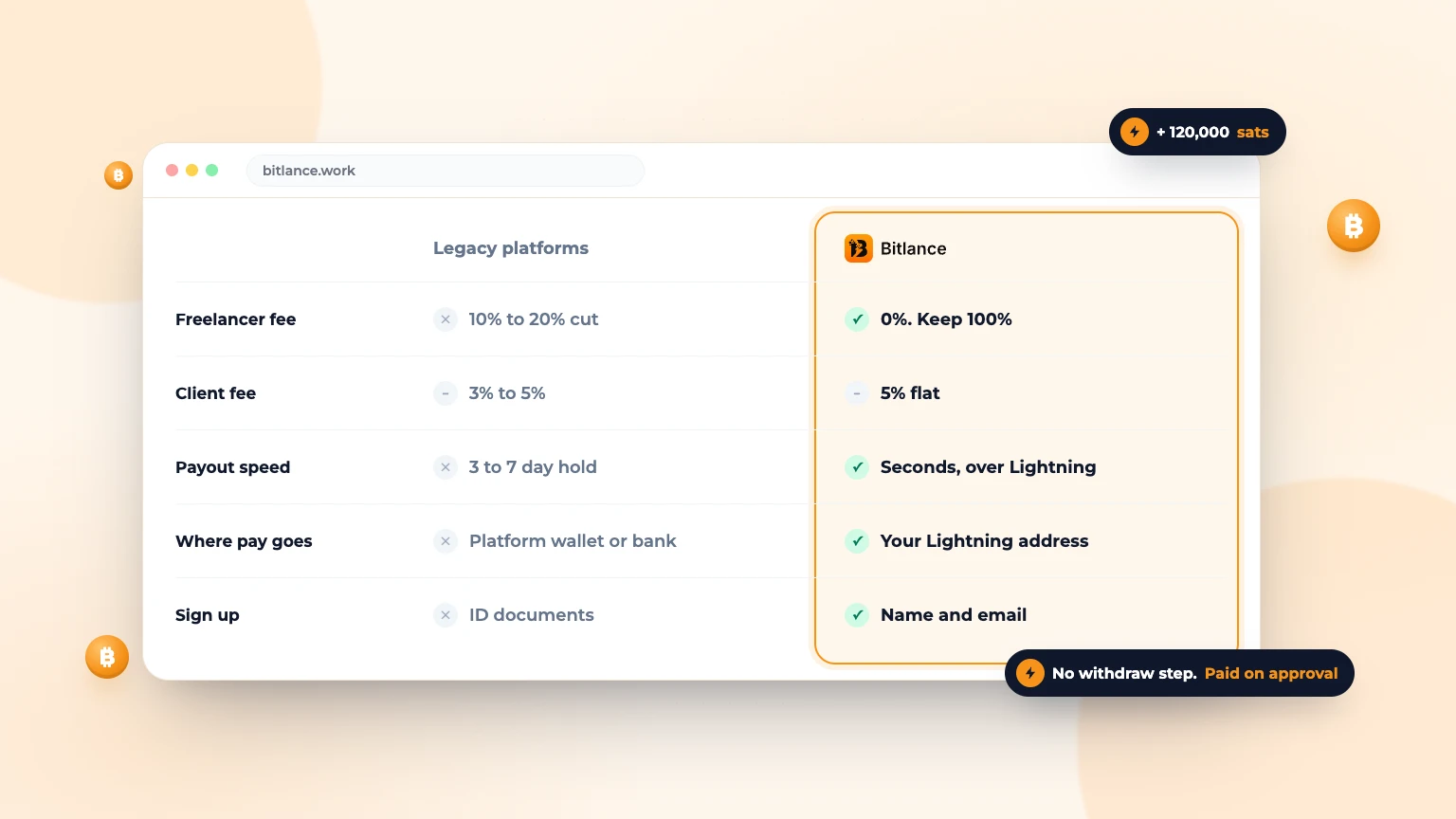
The Best Bitcoin Freelancing Platform in 2026
An educational breakdown of how Bitlance outperforms old-world platforms with milestone payments over Lightning and zero freelancer cuts....
Jun 265 min read
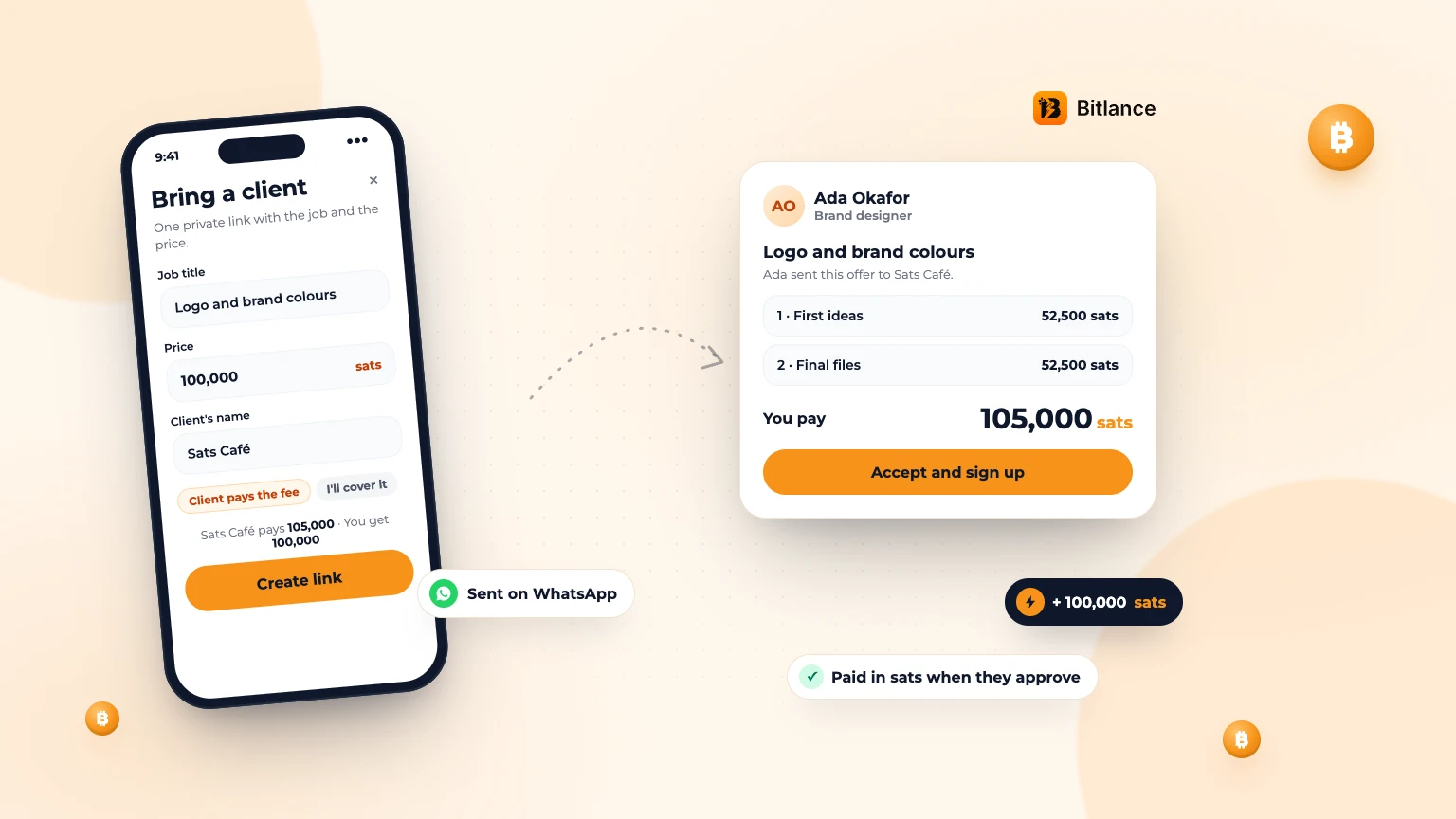
How to bring your own client to Bitlance and get paid in sats
One private link with the job and your price. Your client pays in first, and you're paid in sats when they approve....
Nov 133 min read