
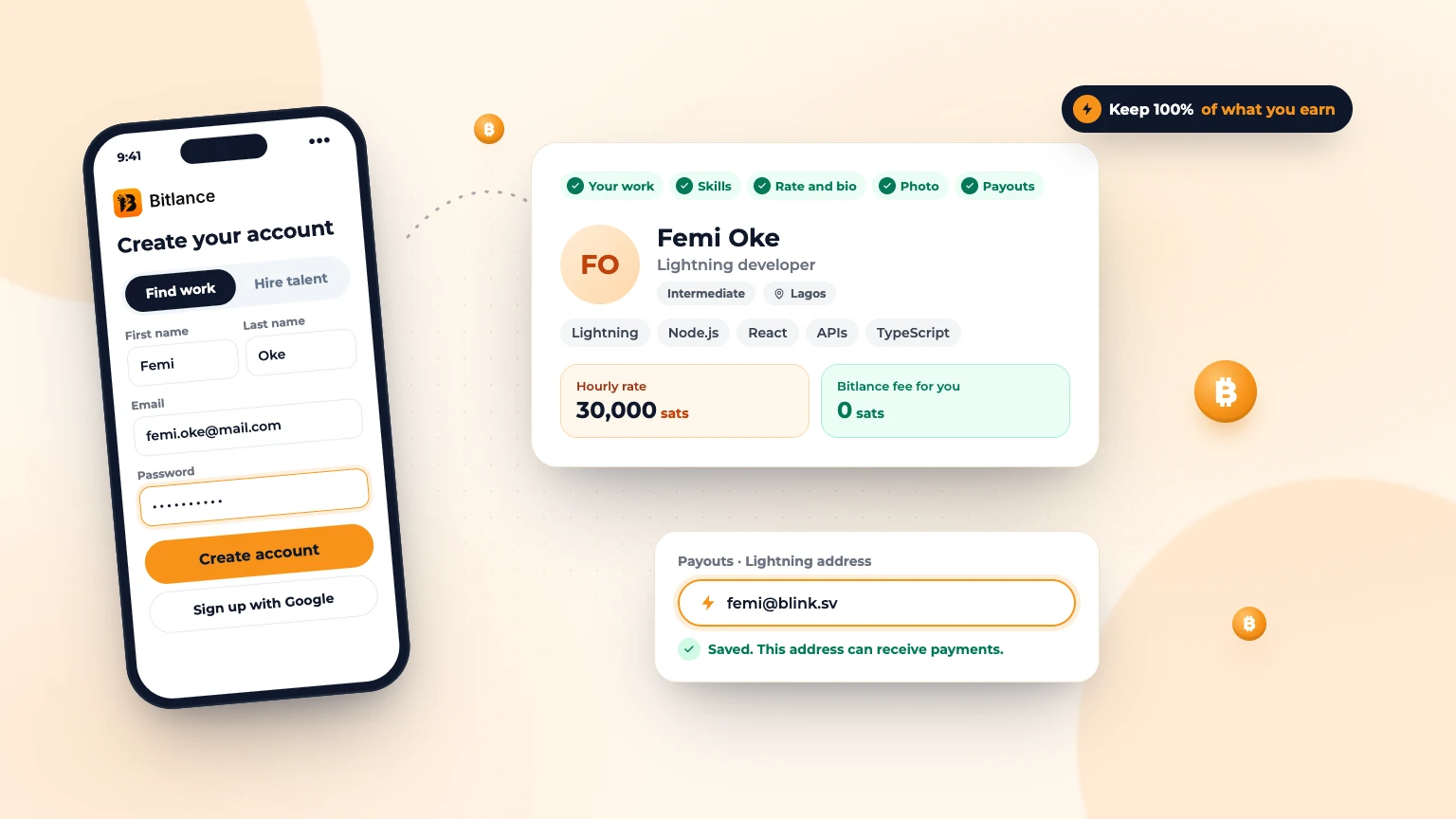
Bitlance is a freelance marketplace where clients pay in bitcoin over the Lightning Network. Signing up takes a few minutes, and it's free for freelancers: you keep 100% of what you earn. This guide walks you through every step.
Step 1: Create your account
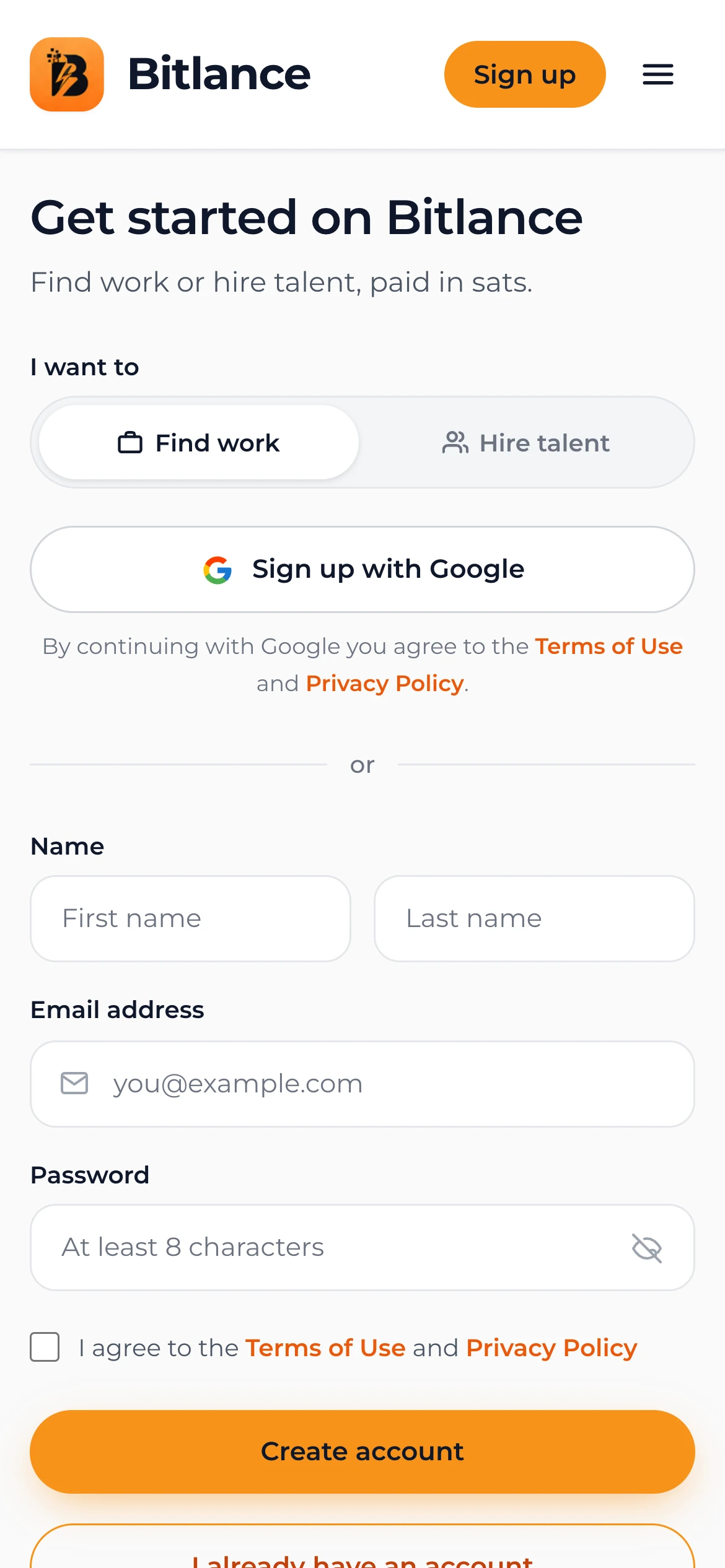
Go to bitlance.work/signup and choose Find work. Enter your first name, last name, email address and a password of at least 8 characters, agree to the terms, and tap Create account. Or tap Sign up with Google to skip the password.
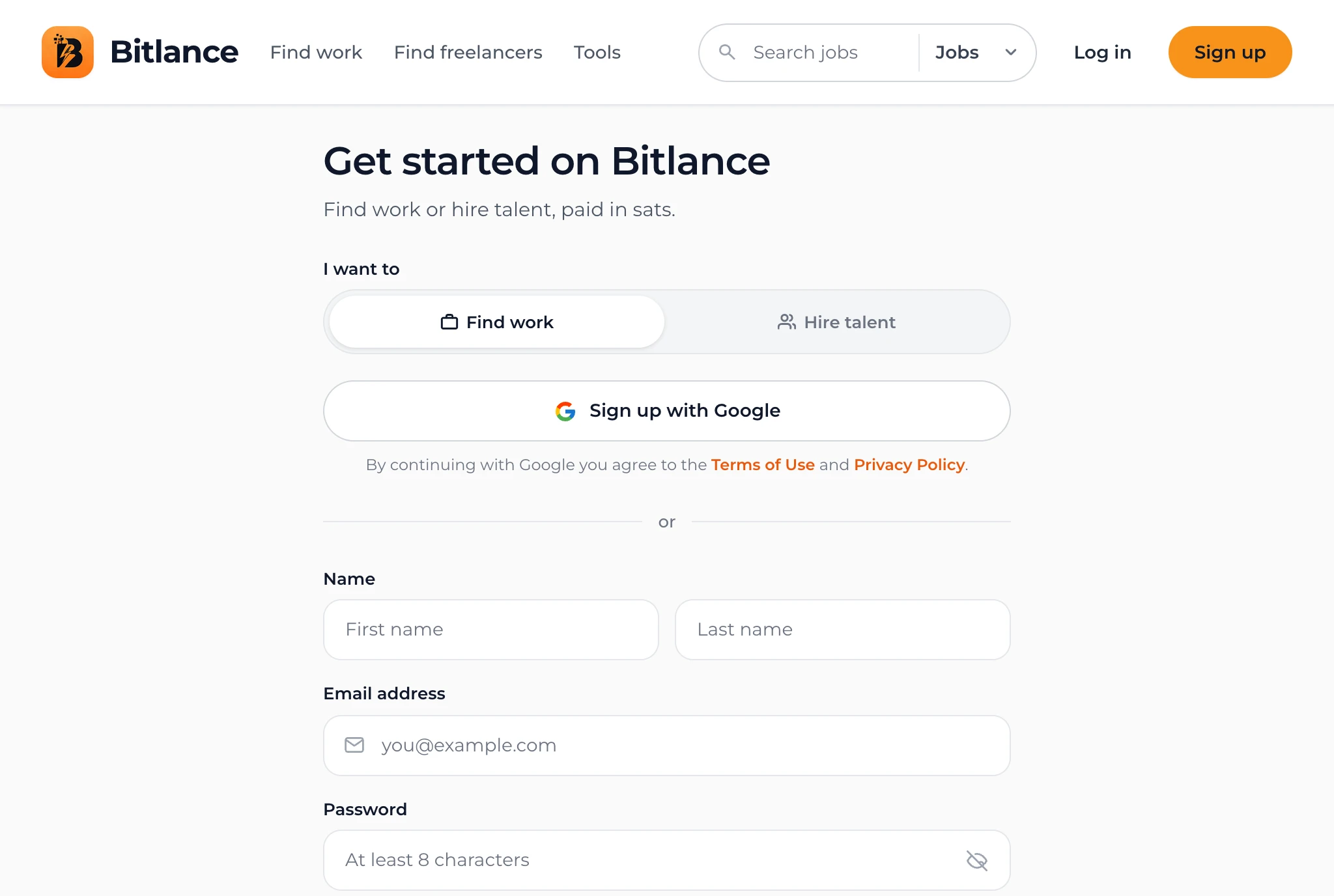
On a phone, the form is the first thing you see, so you can sign up in under a minute.
Step 2: Set up your profile
After signing up, Bitlance guides you through five short steps. Your answers become your public profile, so take a moment to make them clear.
- Your work. Pick a category, write a short title like "Graphic designer" or "Lightning developer", and choose your level: entry, intermediate or expert. Be honest; it sets the right expectations.
- Skills. Add up to 15. Three to eight works best. Clients search and filter by these.
- Rate and bio. Explain who you help and how. Set your rate in sats; Bitlance shows the dollar value underneath so you can price fairly even if you're new to bitcoin.
- Photo. Add a photo, your location, when you're available and how fast you reply. Profiles with photos get more attention from clients.
- Payouts. Add the Lightning address where your sats should go. You can skip this and add it later in Settings.
Have a CV? In your dashboard, open Profile, then Edit profile, and tap Fill my profile from my CV. AI writes your title, bio, skills and rate, and you check everything before saving. Improve with AI under your bio tidies up what you wrote.
Step 3: Make your profile stand out
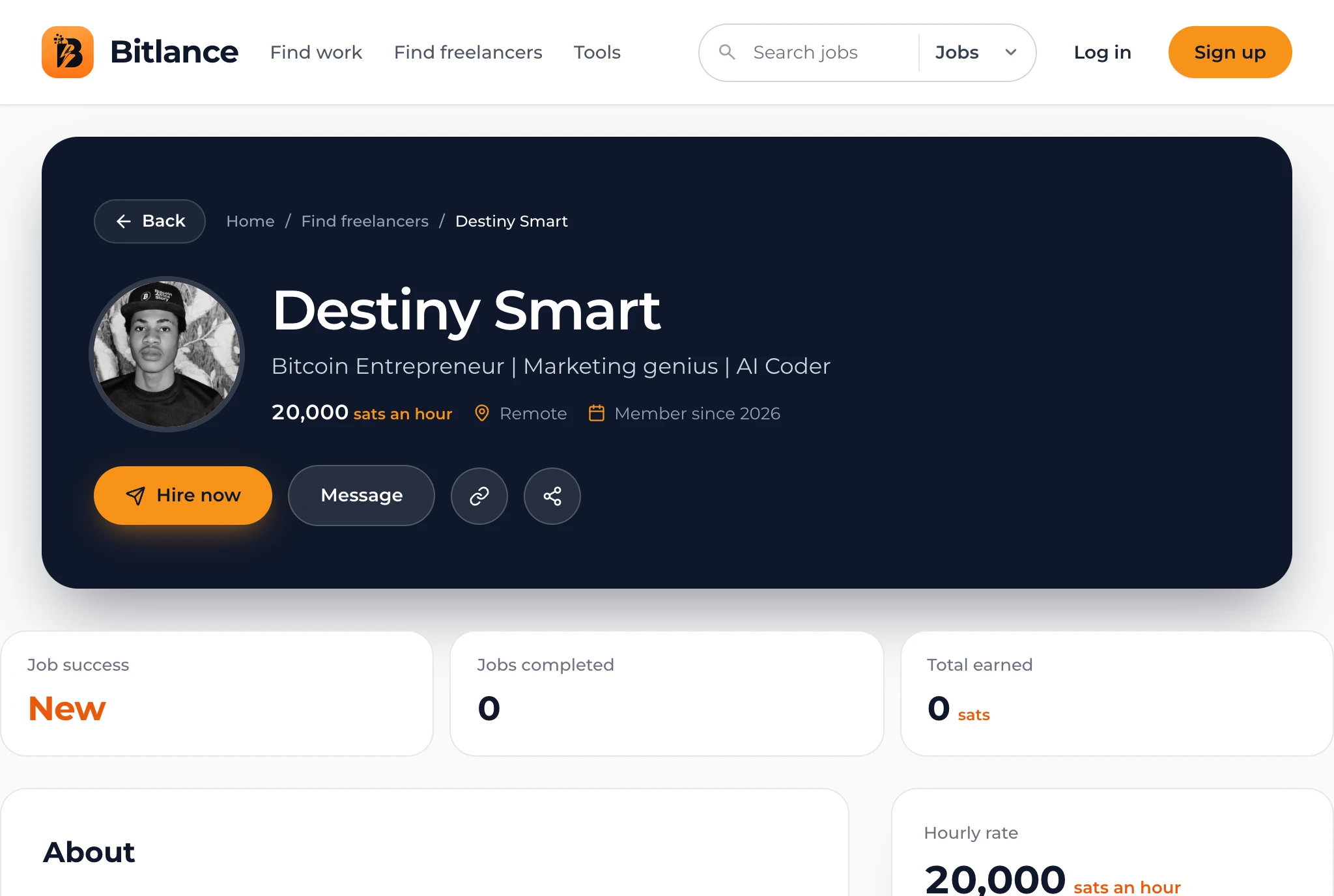
Your public profile is what clients see when they find you. A clear photo, a specific title, a bio that explains the results you deliver, and a fair rate make the biggest difference.
Step 4: Find your first job
Open Find Work to browse open jobs. Use the search bar or tap a category like Development or Creative & Design to narrow the list. Each card shows the budget in sats, the client and the skills needed.
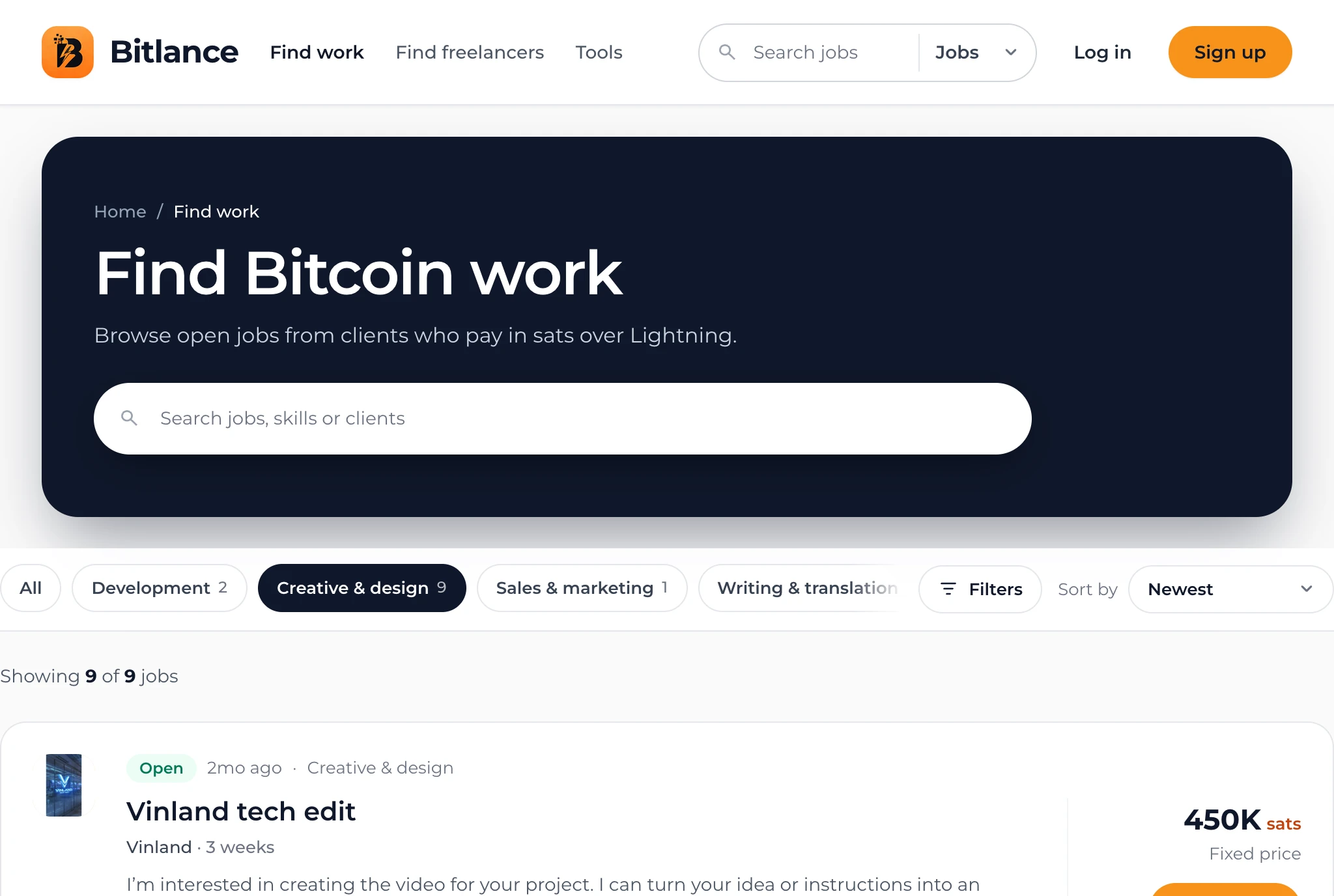
Open a job to read the details and send your proposal. Keep it short and specific: what you'll deliver, how long it will take, and why you're a good fit. Write with AI above the cover letter drafts one from the job and your profile for you to edit.
How you get paid
Bitlance uses milestone payments. The client funds a milestone before work starts, so you know the money is there. When the client approves your work, they slide to pay, and the sats go to your Lightning address. Freelancers pay no platform fee.
Tips for new freelancers
- Start with a fair rate and raise it as you collect completed jobs and reviews.
- Reply quickly. Clients often hire the first good proposal.
- Share your profile card on social media to bring clients to your profile.
- Never share your seed phrase or wallet keys with anyone. Bitlance only needs your Lightning address.
Frequently asked questions
Is Bitlance free for freelancers?
Yes. Signing up is free and freelancers keep 100% of their earnings. Clients pay a 5% platform fee on funded milestones.
Do I need a Lightning wallet to sign up?
No. You can create your account and profile first, and add a Lightning address later in Settings before your first payout.

Written by
Bitlance team
Research and insights on Lightning Network payments, remote Bitcoin work, and freelancing.
Related articles
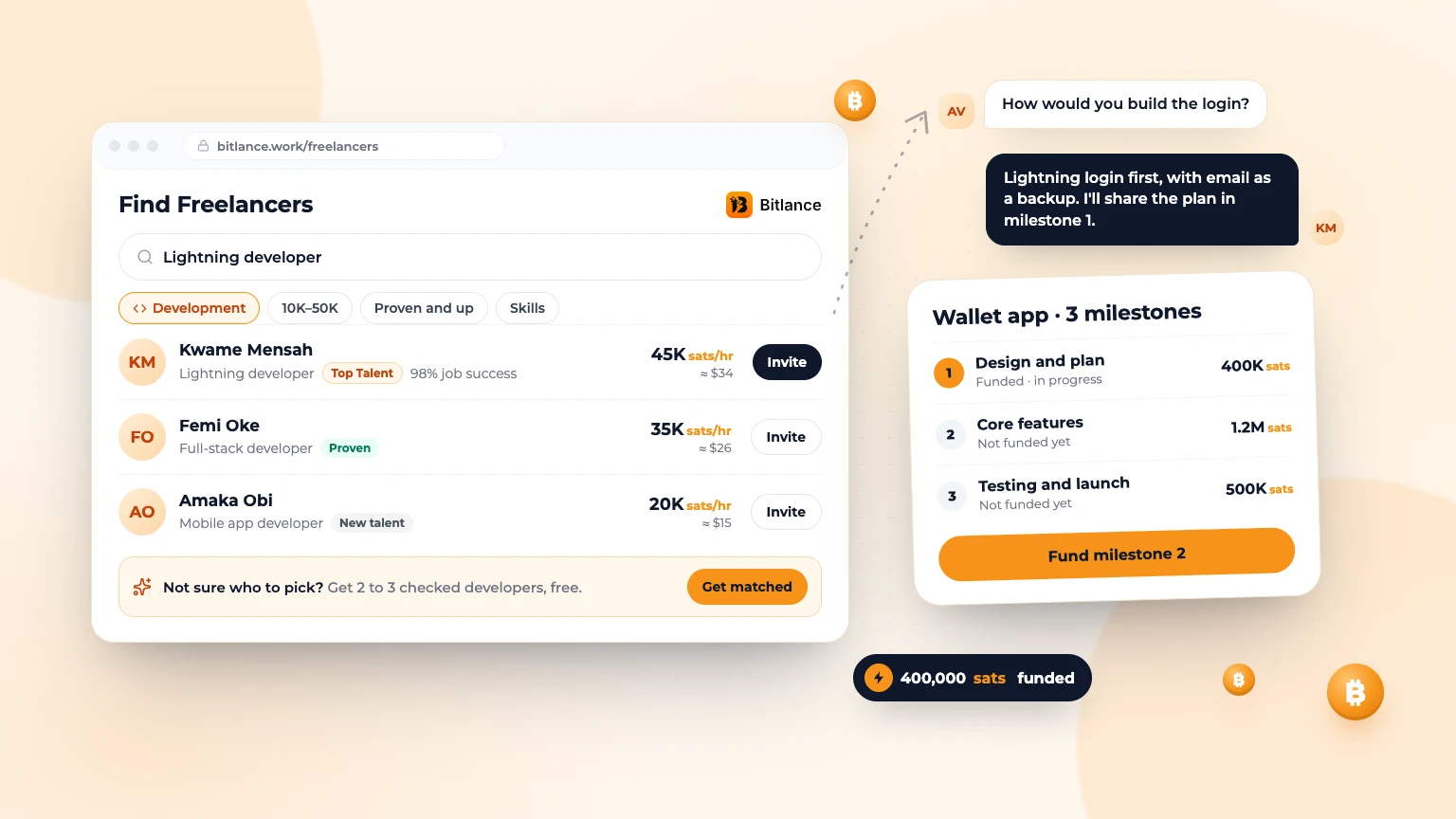
How to Hire a Developer and Pay in Bitcoin
Scope the project, find the right developer, check their work and pay in sats one milestone at a time....
Nov 73 min read
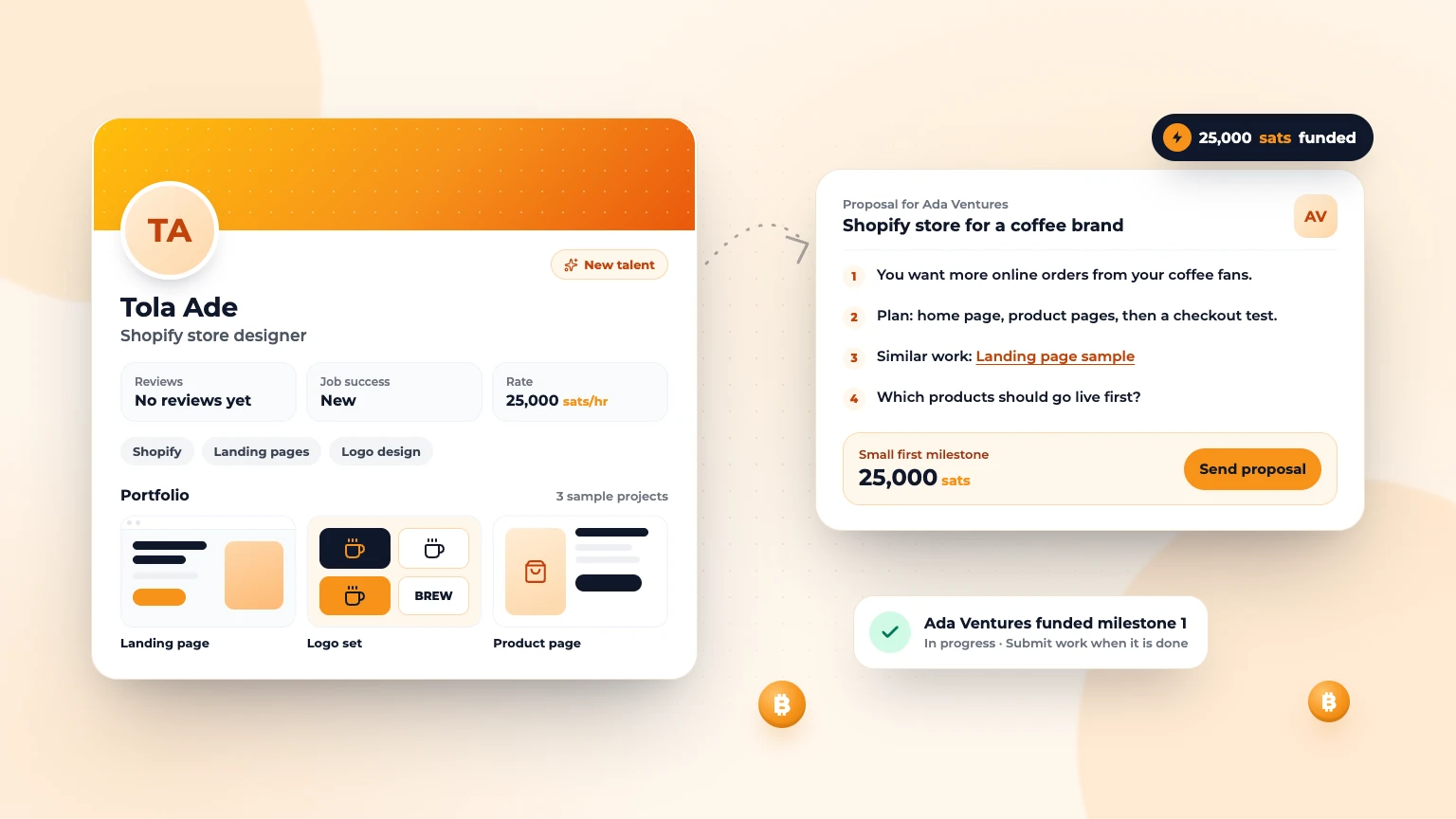
How to Get Your First Freelance Client With No Reviews
Every freelancer starts with zero reviews. Here's how to win your first client anyway, step by step....
Nov 72 min read
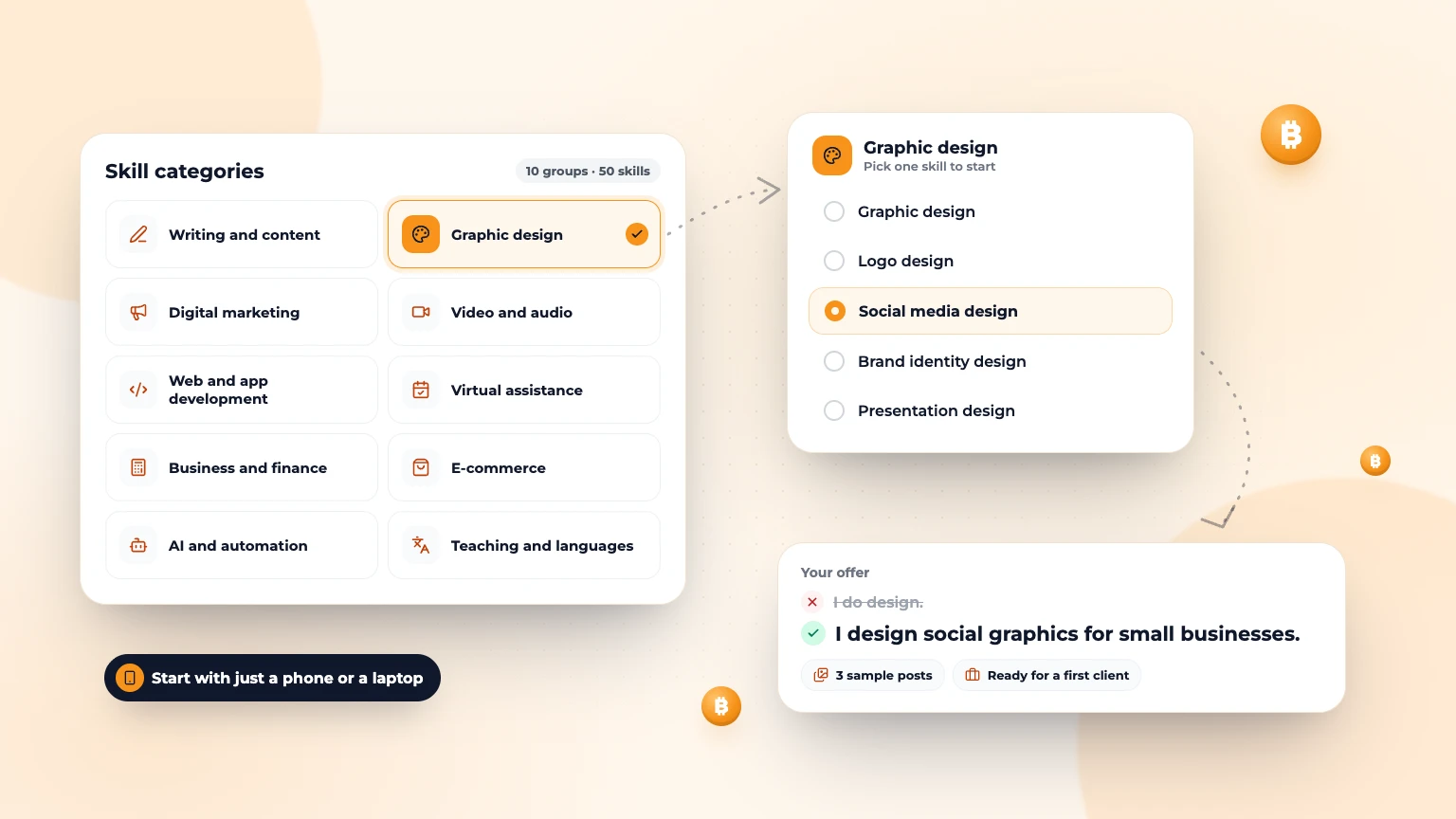
50 Freelance Skills to Learn in 2026: A Beginner's Guide
50 freelance skills to learn in 2026, from writing and design to AI automation, with what clients pay for, the tools to use and how to find your first client....
Oct 126 min read